Put a new face into an existing performance
Choose a face image and a motion video, then create a new version that follows the original performance.

Create AI face-swap videos from a face image and a motion video. Reuse a creator identity, generate a new clone, and turn it into short-form content.
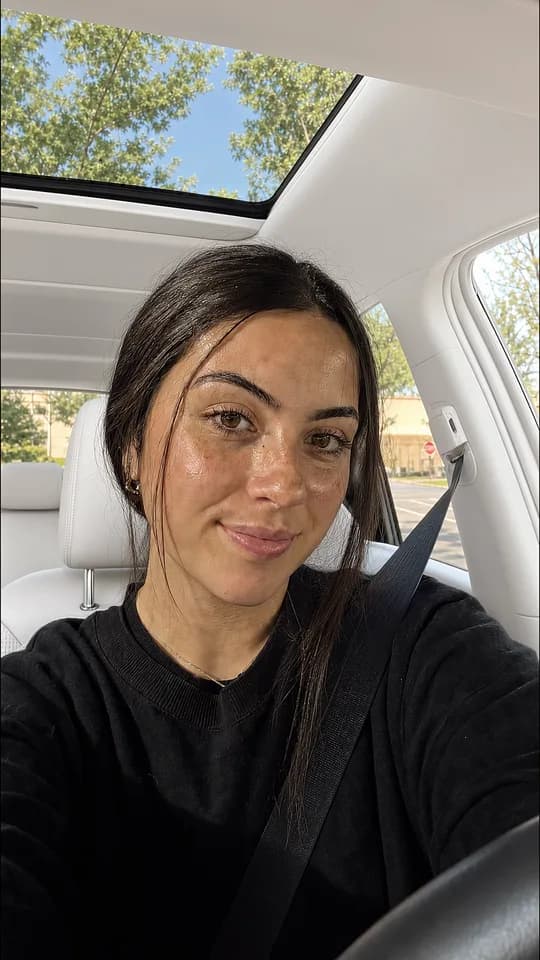
Choose a face image and a motion video, then create a new version that follows the original performance.
Save the face as a reusable character so your next clone starts from an identity you already approved.
Choose 720p or 1080p output, and optionally convert the voice with a selected voice and noise reduction.
Select a saved AI avatar or upload a PNG, JPG, or WebP face image for the new character.
Choose a generated or uploaded hook, or upload an MP4 or MOV motion video between 3 and 20 seconds and up to 1080p.
Pick the output mode, optionally change the voice, generate the clone, and keep the finished video in your AI Clone library.
Choose a face image and a motion video. The agent prepares an AI Clone job, waits for approval, and checks the generated video.
Select an existing AI avatar or upload a face image, then pair it with a motion video from your library or device.
Reuse a hook or motion clip as the performance source instead of rebuilding the movement from scratch.
Optionally select a voice, reduce background noise, choose the output resolution, and track the clone job until it finishes.
MCP · Prepare the AI Clone
prepare_ai_clone_job
  avatarUrl: face.png
  motionVideoUrl: motion.mp4
  mode: 720p
  enableVoiceConversion: false

confirm_action
  confirmationId: conf_clone_123

get_ai_clone_job_status
  jobId: clone_123
MCP · Reuse the performance
prepare_ai_clone_job
  avatarUrl: approved-face.png
  motionVideoUrl: imported-hook.mp4
  mode: 1080p
  enableVoiceConversion: true
  voiceId: voice_123

get_ai_clone_job_status
jobId: clone_456The agent can prepare a clone from an approved face and motion video, add optional voice conversion, and track the finished output.
An AI Clone video pairs a face image with a motion video to create a new short-form video using the selected character. Use faces and source footage that you own or have permission to use.
You need a face image and a motion video. You can select saved AI avatars and hooks, or upload your own image and video files.
AI Clone accepts MP4 or MOV motion videos between 3 and 20 seconds, up to 1080p and 100 MB. H.264 MP4 is recommended.
Yes. Voice conversion is optional. You can select a supported voice and optionally reduce background noise before generating the clone.
You can import a motion clip when you have the right to use it. ReelsFarm can then use the clip as the performance source for an AI Clone video.
Create the asset, keep the context, and send finished content into your publishing workflow.