Show the product in context
Place the same product in lifestyle scenes that help people understand how it fits into their day.

Create product photos for ads and social posts without a photoshoot. Upload a product, choose an AI avatar, and generate scenes you can reuse.
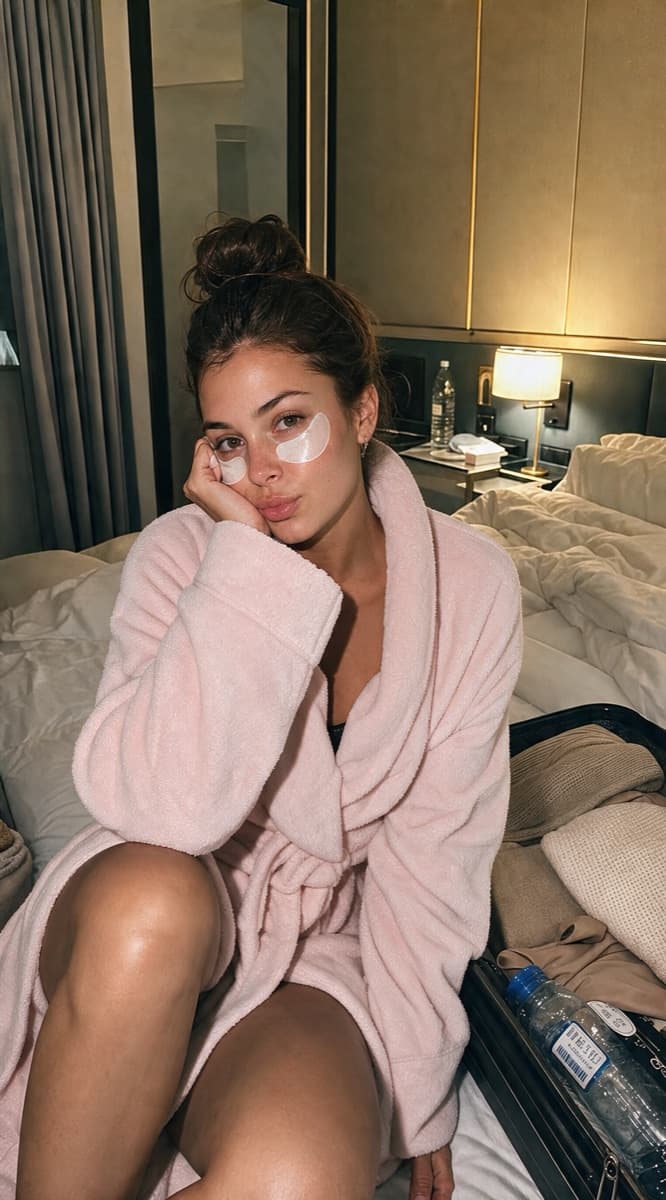
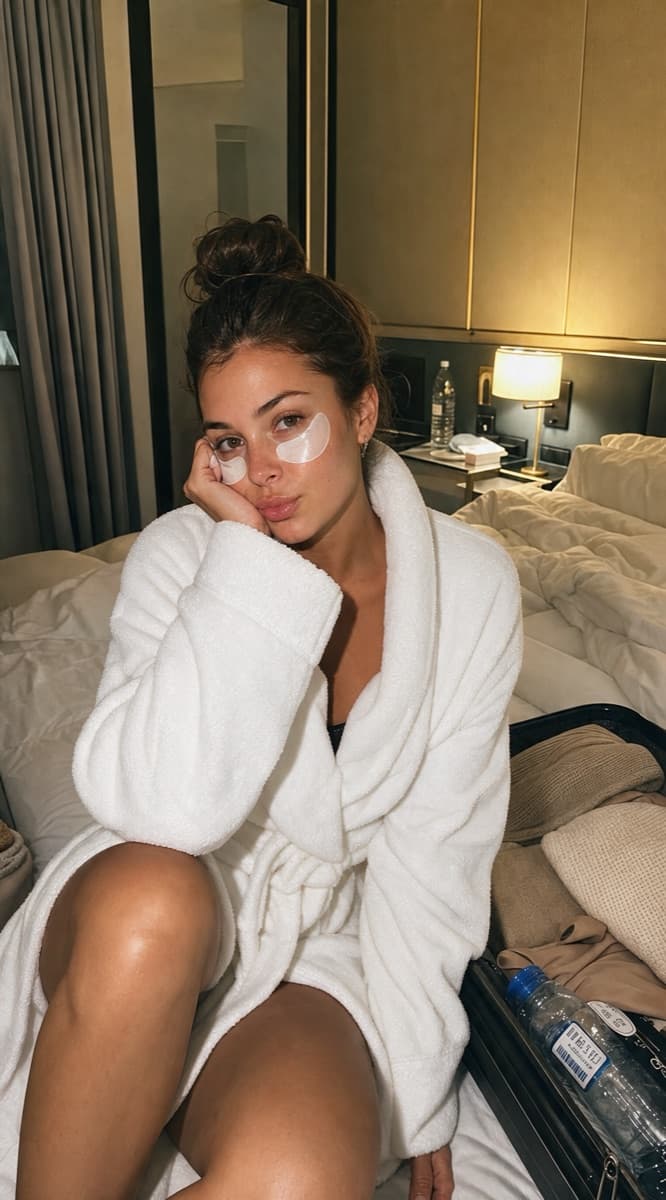

Place the same product in lifestyle scenes that help people understand how it fits into their day.
Keep the product reference close and build new hooks, poses, and settings without booking another shoot.
Save the strongest variations, add them to your content workflow, and schedule them with the rest of your queue.
Start with the product image you already have. Reels Farm keeps the asset available for future scenes.
Use an AI avatar, a saved character, and a clear prompt to describe the setting, pose, and product interaction.
Keep the variations that look right, then use them in slideshows, UGC videos, or scheduled social posts.
The agent starts with the product and avatar you chose. It prepares the scene, waits for approval, and checks the generated result.
Import product assets or create a product context so the agent starts each scene with the details that matter.
Prepare a product scene with an avatar, then continue the same image conversation to refine the result.
Check the generation job, save a reusable character, and prepare scheduling or publishing for the finished creative.
MCP · Product scenes
prepare_generate_product_scene
  productImageUrl: product.png
  avatarUrl: avatar.png
  prompt: creator holding the product

confirm_action
  confirmationId: conf_product_123

get_product_scene_job_status
  jobId: job_product_123
MCP · Continue the workflow
prepare_save_character
  name: Summer creator
  referenceUrl: scene.png

prepare_generate_hook
  avatarUrl: scene.png
  customPrompt: product demo hook

get_generated_hook_status
jobId: hook_123The workflow continues beyond one image. The agent saves the useful character, creates the next hook, and keeps the creative ready for reuse.
AI product placement uses an uploaded product reference and an AI-generated person or scene to create a new product image. It helps brands test creator-style concepts without arranging a full photoshoot.
Yes. Save products and characters so you can build more consistent scenes and content variations over time.
Use them as social posts, slideshow frames, product references, or visual assets inside a UGC content workflow.
Create the asset, keep the context, and send finished content into your publishing workflow.