Start with a stronger hook and product angle
Use generated hooks or existing footage to give the first seconds of the video a clear job and connect it to the product.

Turn product images, hooks, demos, avatars, and scripts into UGC-style videos for TikTok, Reels, and Shorts. Review variations and send them to publishing.
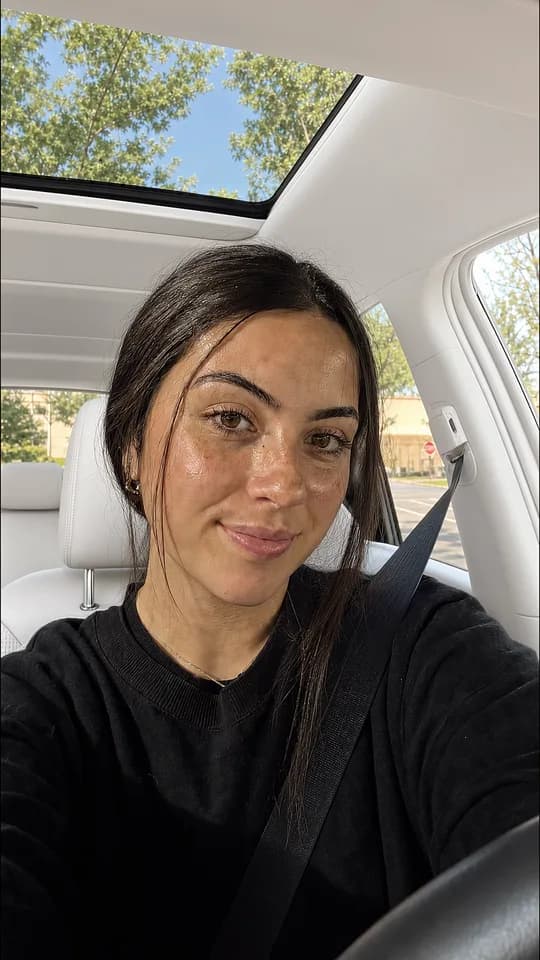 HookGenerated hook
Use generated hooks or existing footage to give the first seconds of the video a clear job and connect it to the product.
Combine demos, product clips, avatars, on-screen text, and music into new content variations.
Keep the content sequence, timeline, and export workflow together so less time is lost between tools.
Upload or import the product images and footage you want to use, including hooks, demos, avatars, and product clips.
Choose the opening hook and the demo or supporting footage that carries the message.
Arrange up to ten parts, add on-screen text and music, review the render, and schedule the finished video.
Bring in a product, hook, demo, or avatar, then let the agent prepare UGC-style video variations. It checks the render before publishing.
Use generated hooks, templates, uploaded clips, demos, My Videos, or trimmed hook clips imported from YouTube or TikTok.
Arrange up to ten video parts, add text and music, control source audio, and choose where the text appears on the video.
Generate the finished video, inspect the job result, and move the reusable output into your scheduling or publishing workflow.
MCP · Import a hook clip
prepare_import_hook_clips
  items:
    - url: https://youtube.com/shorts/example
      start: 0
      length: 3

confirm_action
  confirmationId: conf_import_123

get_hook_clip_import_status
  jobId: import_123
MCP · Stitch the video
prepare_generate_ugc_video
  parts:
    - videoUrl: imported-hook.mp4
      sourceType: my-hooks
    - videoId: demo_123
      sourceType: demos
    - videoId: product-clip_123
      sourceType: my-videos
  audioUrl: music.mp3
  caption: See the difference
  quality: high

get_video_job_status
  jobId: ugc_123

prepare_schedule_post
  contentType: UGC_VIDEO
contentId: ugc_123The agent combines product inputs, footage, hooks, demos, text, and music into video variations, checks the render, and prepares them for publishing.
An AI UGC video generator helps assemble short-form videos from creator-style hooks, product demos, on-screen text, music, and other media. It reduces the manual work needed to turn separate assets into a finished video.
Yes. Add your own demos and product clips, then combine them with hooks, on-screen text, music, or other supported video parts.
Yes. You can import trimmed YouTube or TikTok hook clips, or import up to ten HTTPS media URLs into your ReelsFarm asset library. Use footage that you own or have permission to use.
The UGC workflow supports up to ten ordered video parts. You can combine hooks, demos, uploaded clips, saved videos, and other supported media.
Yes. Export the finished video and move it into Reels Farm's connected account and scheduling workflow.
Yes. You can combine product inputs, hooks, demos, avatars, text, and music into UGC-style videos without booking a new creator for every variation. Review the output and use only content you are allowed to publish.
Yes. Reuse the same product and approved assets with different hooks, demos, captions, or formats. Review the variations before sending the strongest videos to your publishing workflow.
Create the asset, keep the context, and send finished content into your publishing workflow.