
TikTok Slideshows vs UGC Videos: Choose by the Task
· Format Strategy · 3 min read · Reels Farm Team · Updated
Choose slideshows or UGC-style videos by the information, need for movement, available proof, review effort, and intended audience action.
Choose a TikTok slideshow when the viewer needs to read a sequence of ideas. Choose a UGC-style video when movement, spoken explanation, or a real demonstration carries the message.
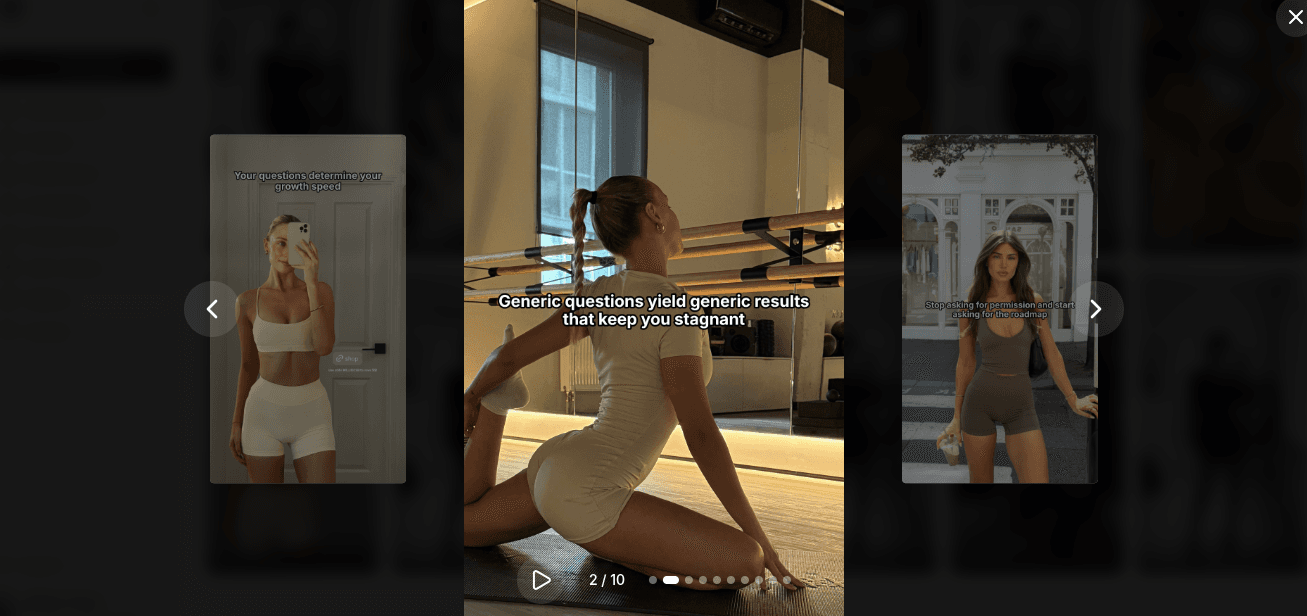
UGC means user-generated content. A brand-produced or AI-generated creator-style video is not automatically a genuine customer testimonial. Identify which kind of evidence your campaign needs before selecting the format.
Compare the Information You Need to Show
Ordered ideas
A packing checklist, planning method, or feature comparison can fit a slideshow. Each frame should advance the explanation, and the reader controls the pace.
Use the product slideshow example to see how a problem becomes a short sequence.
Physical function
A folding mechanism, texture, or software action may need motion. Use actual footage or a screen recording when the viewer must see how something works.
Generated scenes can illustrate context. They should not serve as evidence that a physical test occurred.
Personal experience
A real customer or creator can discuss their own experience. An AI character cannot provide that experience, even when it appears realistic. Choose the person and evidence before choosing the edit style.
Compare the Production Work
A slideshow needs text structure, relevant images, consistent layouts, and mobile readability checks. A video needs a script or selected footage, audio, captions, cuts, and a complete playback review.
Do not assume a slideshow is always faster. Generating several consistent product scenes can require more review than using one existing demonstration clip.
Count the time spent producing an approved asset for your actual topic.
A Single-Topic Trial
Take one question: “How do I keep project tasks and deadlines together?”
Create a five-slide explanation using a problem, cause, correction, example, and action. Then create a short screen-recorded video showing the same correction.
Keep the factual claim and intended audience action consistent. Review each format using its own requirements. After publication, compare useful actions and production effort, not views alone.
When to Use Both
A slideshow can summarize the steps shown in a video. A video can demonstrate the action described in the slides. Each should stand alone rather than require viewers to find the other post.
Keep product facts and captions consistent across the pair. Store both under the same campaign topic so a later feature correction reaches both formats.
Make the Choice With Four Questions
- Does the viewer need to read, watch movement, or hear a person?
- What proof must the content show?
- Which approved source assets do you already have?
- Which action should the viewer take afterward?
If the answer depends on a real physical demonstration, use video evidence. If it depends on reading a short method, start with slides. If it depends on a real person's experience, obtain that experience rather than generating it.
FAQ
Do slideshows perform better than UGC videos?
This guide does not establish a universal winner. Compare the formats on the same topic and objective with your own audience.
Can I use AI images in either format?
Yes, as appropriate illustrations. Check product accuracy and required platform disclosures, and do not present generated imagery as evidence of a real test.
Frequently Asked Questions
Do slideshows perform better than UGC videos?
This guide does not establish a universal winner. Compare the formats on the same topic and objective with your own audience.
Can I use AI images in either format?
Yes, as appropriate illustrations. Check product accuracy and required platform disclosures, and do not present generated imagery as evidence of a real test.
Sources
Related tools
If you want to turn this topic into something usable right now, start with these tools.
Slideshow Outline Generator
Create carousel and slideshow outlines for educational, promotional, and story-led posts.
TikTok Hook Generator
Generate TikTok hook ideas for product demos, lessons, and founder-led content.
Instagram Caption Generator
Create Instagram caption drafts for stories, lessons, launch posts, and offers.
UGC Script Generator
Build UGC-style script outlines for testimonials, demos, and problem-solution videos.
Related reading
- TikTok Slideshow Format: A 6-Slide Product Example
A practical product-led TikTok slideshow can use six slides: problem, context, method, example, product role, and next action. Treat this as a starting structure, not a claim that six slides always perform best.
- How to Make Natural-Looking TikTok Slideshows With AI
A natural-looking TikTok slideshow uses images and text that belong to the same story. AI can help draft and illustrate it, but you still need to choose the topic, check the sequence, and edit the finished frames.
Related comparisons
- Best AI UGC Video Tools for Short-Form Content
A buying guide to AI UGC video tools, with ReelsFarm positioned for complete short-form content workflows.
- Best TikTok Automation Tools for Content Teams
A guide to TikTok automation tools for teams that need content creation, scheduling, publishing, and creative control.
- Best AI Slideshow Makers for TikTok
A guide to AI slideshow makers for TikTok, with ReelsFarm positioned for repeatable slideshow automation.
- Best AI UGC Tools for Ecommerce Brands
A source-checked guide to six AI UGC tools for ecommerce product content and publishing workflows.
Drive traffic to what matters on autopilot.
Create standout posts, line up your calendar, and publish consistently without juggling a dozen tools.