
6
01Show a comparison between manual content creation costs and the lower cost of using AI automation tools.
“Comparison of budget”

Social media automation software · reelsfarm.com
This platform uses AI to create and schedule social media content. It generates AI avatars, slideshows, and UGC videos for various platforms.
Source: https://reelsfarm.com/
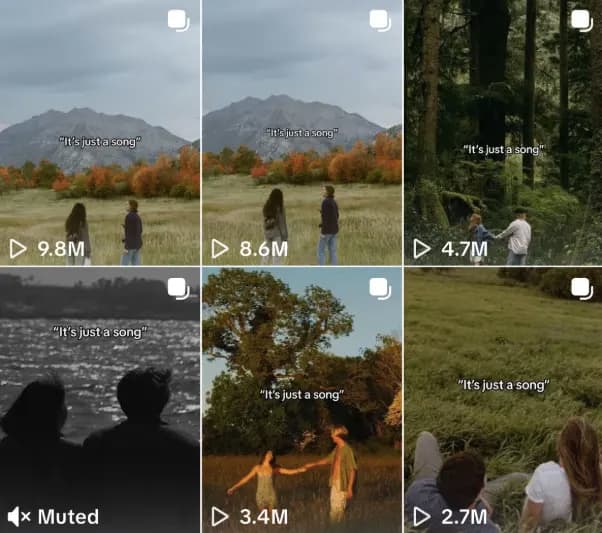
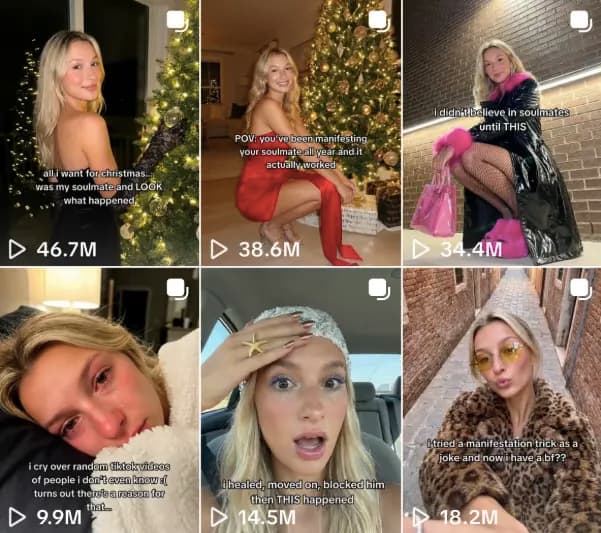
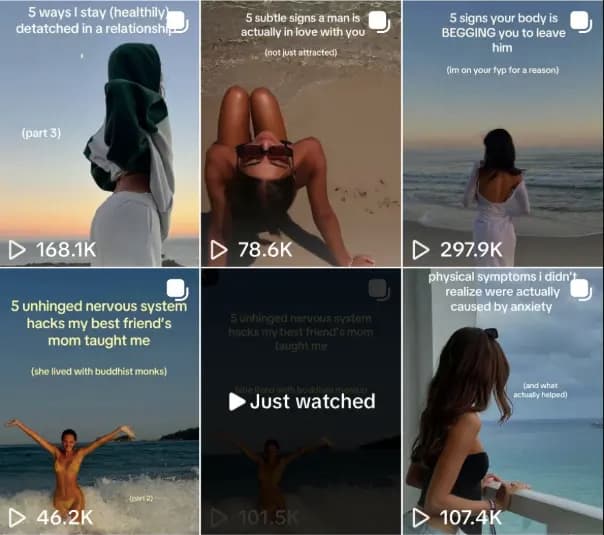
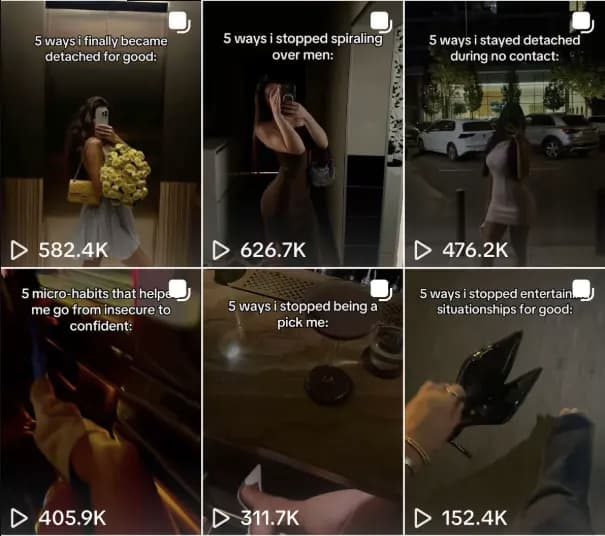
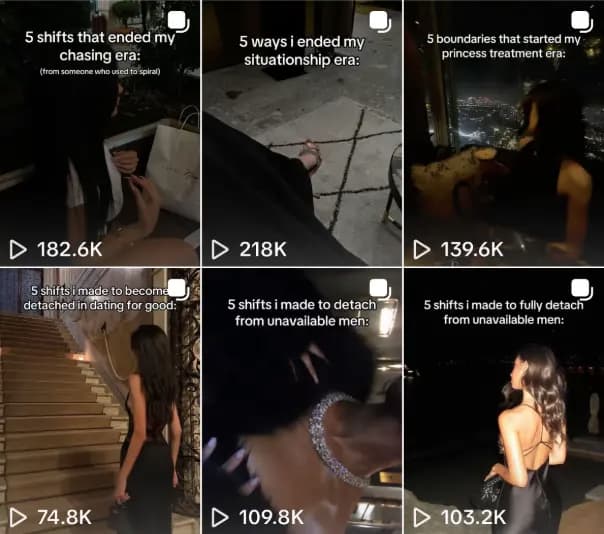
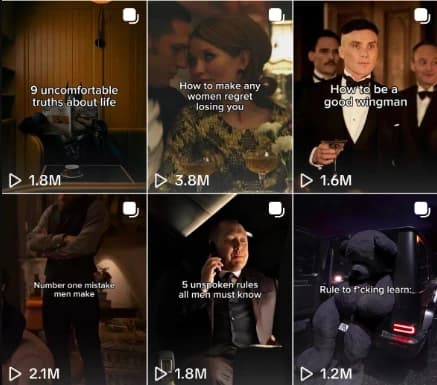
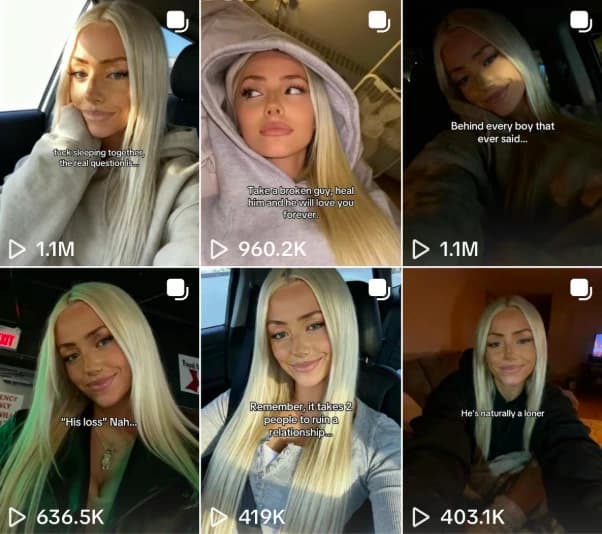
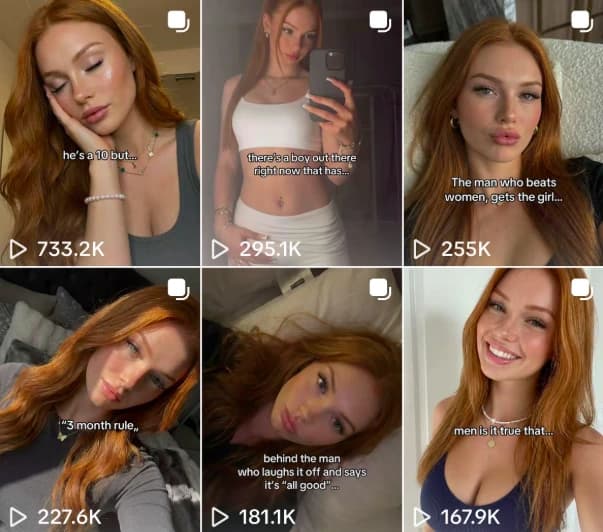
Each idea comes with the original example to explore.
“Comparison of budget”
“Aspiring Influencer Non-Negotiables”
“February Journal Prompts”
“Prioritizing strategy over just posting”
“Creative Director Platforms”
“Lessons from posting consistently for 10M views”
“Marketing ideas for a cake studio”
“Creative Director Platforms”
“ROI of Social Media Marketing”
“Favorite Canva Font Combinations”
“Spend the morning with me as someone who works in Marketing”
“Step by step process for building content pillars”
“4 CHAT GPT PROMPTS TO NEVER RUN OUT OF CONTENT IDEAS”
“How to study more effectively”
“Social Media Growth Lessons”
“After school routine”
“5 types of marketing careers you can start today”
“POV: Hiring a Brand and Social Manager”
“skills no one tells you you'll need in marketing”
“3 ways to break into fashion marketing”
“Things I wish I knew before becoming a freelance social media manager”
“No, that's not just a vibe - it's strategy”
“youre not unqualified. youre just applying to the wrong roles”
“Mistakes a social media manager will not repeat”
“Things I did to grow my social media management business”
“How We Can Work Together”
“How to train ChatGPT to summarize scientific articles”
“I got invited to an official TikTok creator event”
“Benefits of being a content creator”
“Using ChatGPT to save time”
“Positive affirmations”
“Advice for beginner brands”
“Consistency Lessons”
“Life lessons by age 25”
“Overcoming low views on social media”
“Favorite voiceover hooks for videos”
“TikTok Creator Event Lessons”
“TikTok posting experiment”
“Results of posting every day since January”
“Overcoming the 300 view jail”
“Lessons from a Stanford media professor”
“Advice for starting to post content”
“Content Idea Strategy”
“Creator Tips Part 6”
“A personal thought about the creator”
“Why certain videos flop”
“Media consumed to speak better on camera”
“Rating stranger Instagram profiles”
“Lessons from 3 months of consistent posting”
“TikTok official creator training lessons”
Disclaimer: This report includes AI-generated content. AI can make mistakes, so verify important findings independently before taking action.
We use the public website context to connect related slideshow examples with ideas for ReelsFarm. The recommendation is the suggested direction for your post. The quoted title describes the original example.
Website: reelsfarm.com · Generated
creators, brands, and agencies
Start with a recommendation that fits a question your customers already ask. Open its slideshow to see how the example introduces the topic and carries it across the photos.
Use your own photos, product details, and experience. Turn the recommendation into a clear first slide, then use the following slides to explain one useful point at a time.
Build your slideshow, check that the text is easy to read, and choose when to post. Save a few different ideas so you can test which topics your audience responds to.
Plan the words with the slideshow outline generator, or set up TikTok slideshow automation for a regular posting schedule.
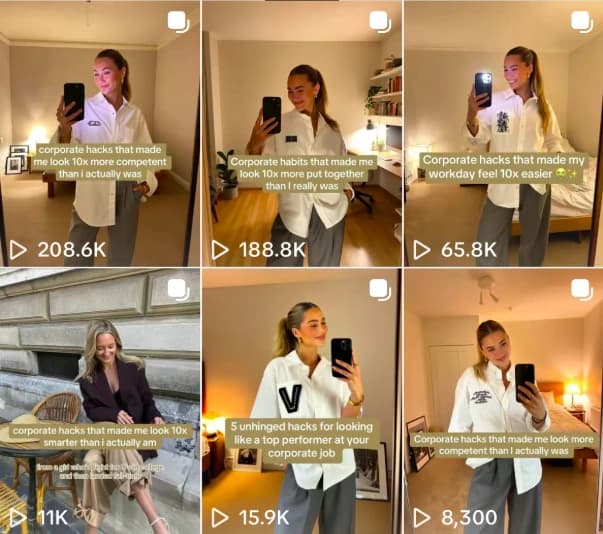
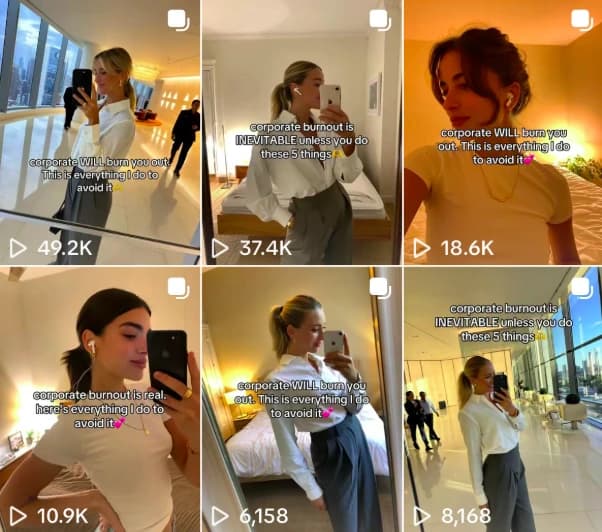
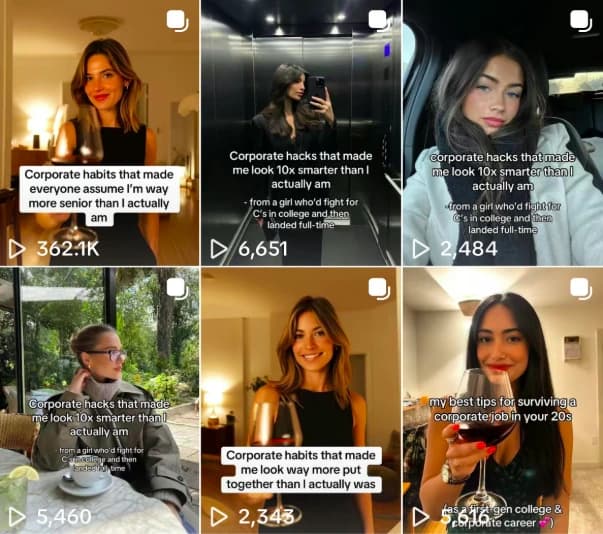
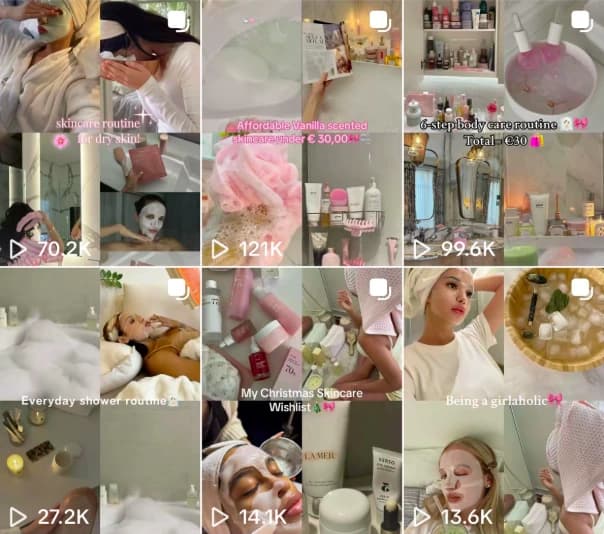
A TikTok slideshow is a photo post that viewers swipe through. Images and short text carry the story from the first slide to the last. It can explain a product, answer a question, share a list, or tell a story.
We read your public website to understand what you offer and who it serves. We then select related examples from the slideshow library and write a short idea that connects each example to your business.
These are content ideas with original examples to explore. Choose an angle, add your own photos and facts, and write the slideshow for your audience. You can then create and schedule the post in the app.
Every day you wait, someone in your niche is collecting the views your brand should already own.




Create standout posts, line up your calendar, and publish consistently without juggling a dozen tools.