Start from a format that already works
A slideshow with millions of views has a structure worth reusing. Recreate keeps the slide order, pacing and length of every text block.

Paste a TikTok slideshow that already works. Reels Farm reads every slide, keeps the format and the text style, and rewrites it for your product, ready to edit and post.

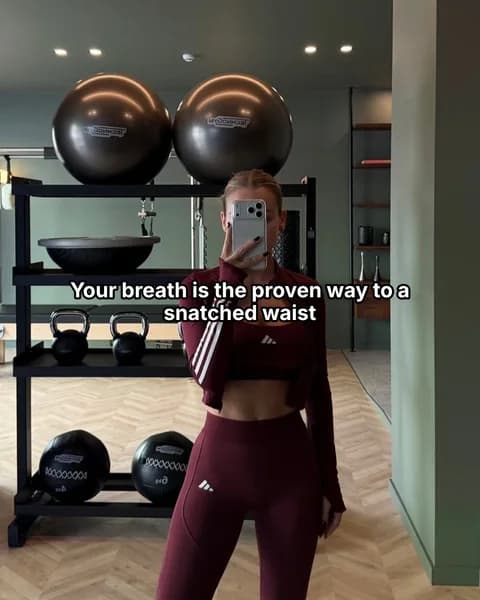

A slideshow with millions of views has a structure worth reusing. Recreate keeps the slide order, pacing and length of every text block.
It reads the fonts, colors, text boxes and positions on each slide, then writes new copy for your product that fits the same places.
Say what should change, such as your product or a different setting. Reels Farm finds a new photo for each of those slides and uses your product photos where the original showed a product.
Copy the link of a public TikTok photo slideshow and paste it into the slideshow prompt box, or click Recreate in the Chrome extension.
Add your product context and a short note, such as "make it about our oat milk". Leave the note empty to keep the original's topic and photos.
Check every slide in the editor, swap photos from the suggestions, then export it or schedule it to TikTok, Instagram, Facebook or YouTube.
Most slideshows that grow follow a handful of formats. Recreating one that already performs gives you its hook, structure and pacing, so each test starts from a structure viewers have already responded to.
Every slide's text, structure and style are read, so the new version keeps what made the original work.
The length of the hook, the list structure, the capital letters and the emoji follow the original.
Slides that showed a product use your own product photos, framed so the text never covers them.
MCP · Recreate a slideshow
prepare_recreate_slideshow
  tiktokUrl: https://www.tiktok.com/@creator/photo/...
  productContextId: pc_123
  instructions: same format, about our protein bars

get_recreate_slideshow_job_status
  status: COMPLETED
  slides: 6
MCP · Automation from a link
prepare_create_automation
  name: Money tips series
  content.recreateUrl: https://www.tiktok.com/@creator/photo/...
  content.narrativeContent: about our budgeting app
  schedule: every day at 18:00
status: PAUSEDTurn a link into an automation. It recreates the format with fresh angles on the days you choose, and every version waits for your review if you want it to.
Public TikTok photo slideshows. Copy the link from the share menu or the browser and paste it into the slideshow prompt box.
You can reuse a slideshow's structure and format, which are shared across TikTok, while the photos and exact wording belong to their creators. Rewrite the text for your product and replace any photo you don't have the right to use.
Reels Farm reads the font, the text mode, the color and the position of each text block and applies them to the new slides, and you can change any of them in the editor.
With no instructions, the original photos are kept as a starting point. When you say what should change, Reels Farm finds new photos for those slides and keeps the shot type and mood.
Paste the link on any device. On a computer, the Chrome extension adds a Recreate button to TikTok posts.
The MCP server has a recreate tool, so Claude, ChatGPT or your own agent can recreate a slideshow from a link and schedule the result.
Create the asset, keep the context, and send finished content into your publishing workflow.