
Rating Slideshow Template: Your Picks, Ranked and Rated
Your favorites in one topic, each with a score and one honest reason. Not every pick gets a 10, which is what makes viewers trust it and reply with theirs.
Examples
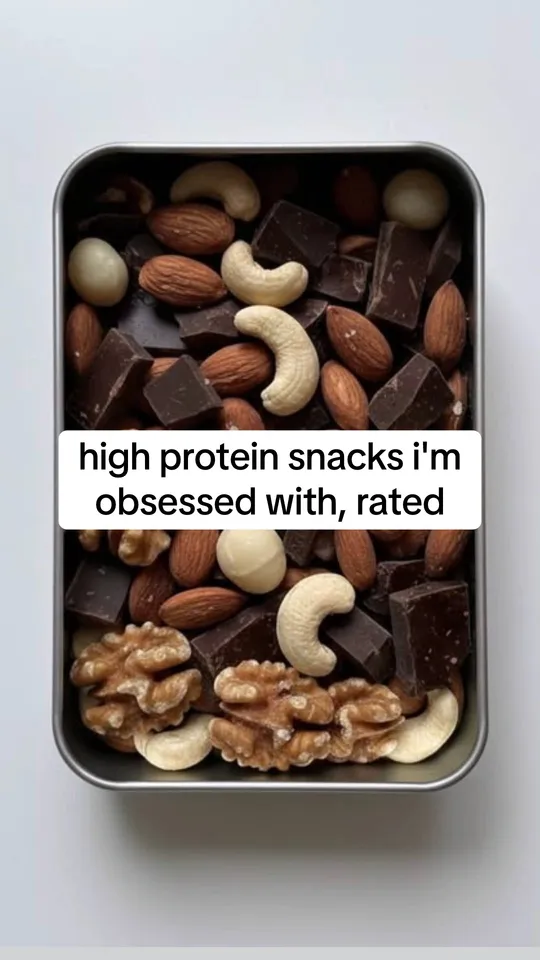
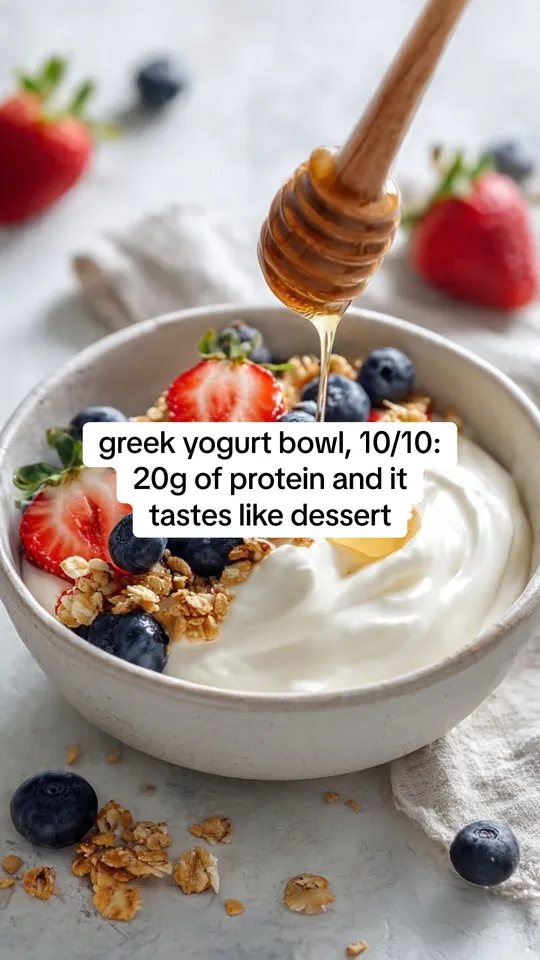
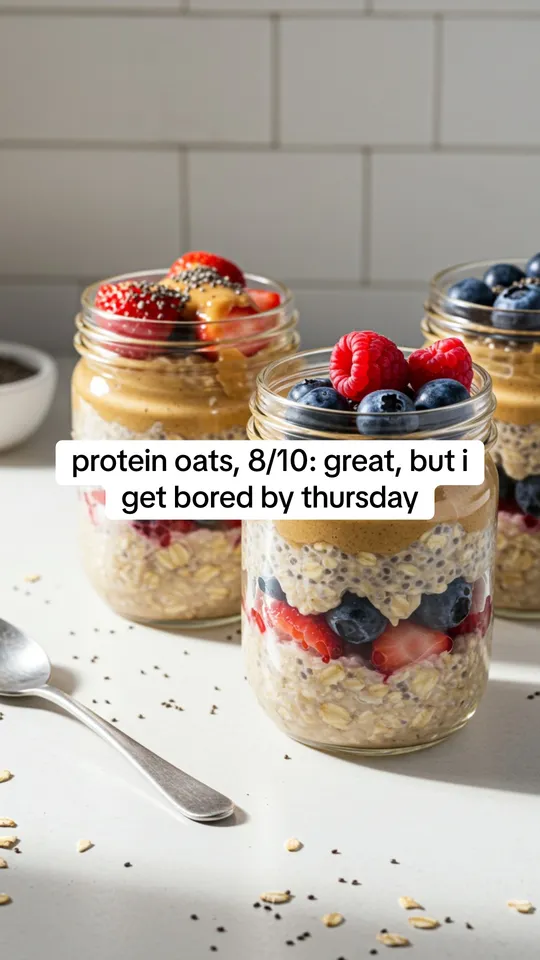
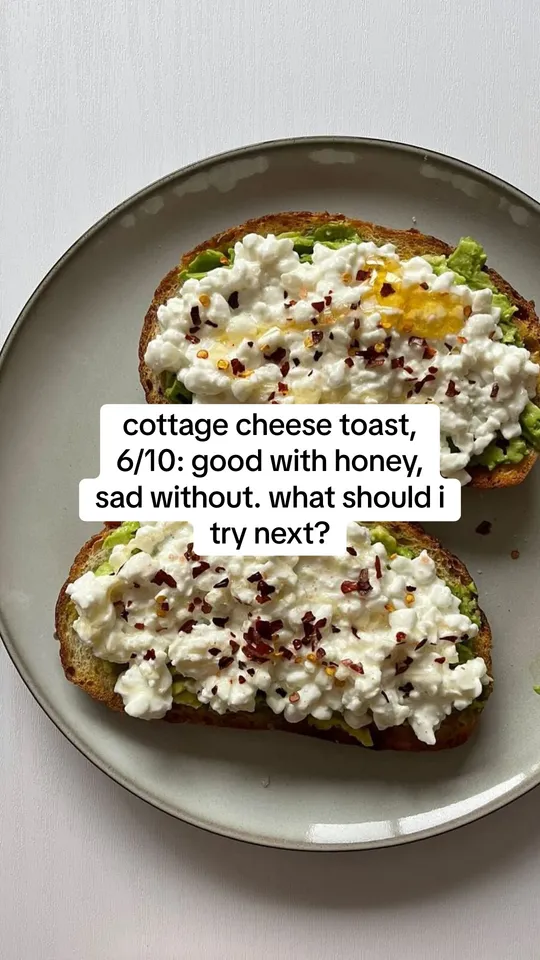
Example slides made with ReelsFarm. The photos come from the app's photo search.
How the format runs
- Slide 1 shares the set: "high protein snacks i'm obsessed with, rated".
- Each middle slide is one pick, shaped like "name, score: reason". The scores differ.
- A product can be one of the picks, with a reason as specific as the others.
- The last slide asks viewers for theirs: "what should i try next?"
Why honest scores matter
A list where everything is 10/10 reads like an ad. A 6/10 with a real reason shows you tried them, so the 10/10 means something.
Disagreement is good for comments. People reply to defend their favorite.
Ideas
- Snacks, coffee orders or restaurants in your city.
- Apps, books or games you tried this month.
- Workouts, skincare or tools of your trade.
Real slideshows in this format
From our library of public TikTok slideshows, most viewed first. Views as recorded on October 5, 2026.
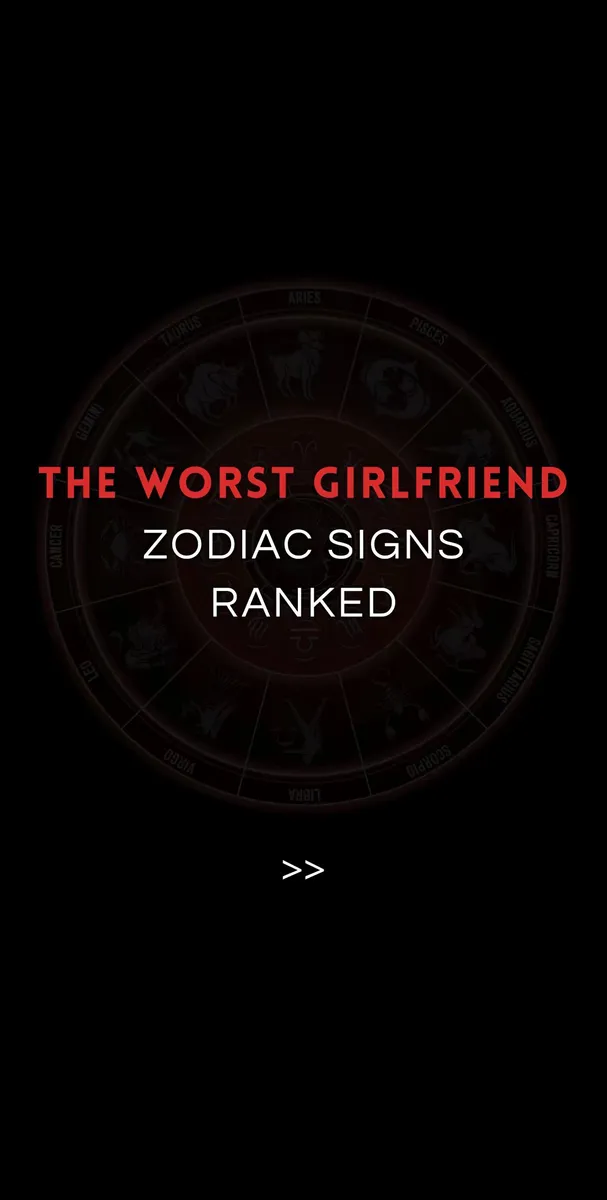
Worst Girlfriend Zodiac Signs
7.7M views · @everythingofzodiac
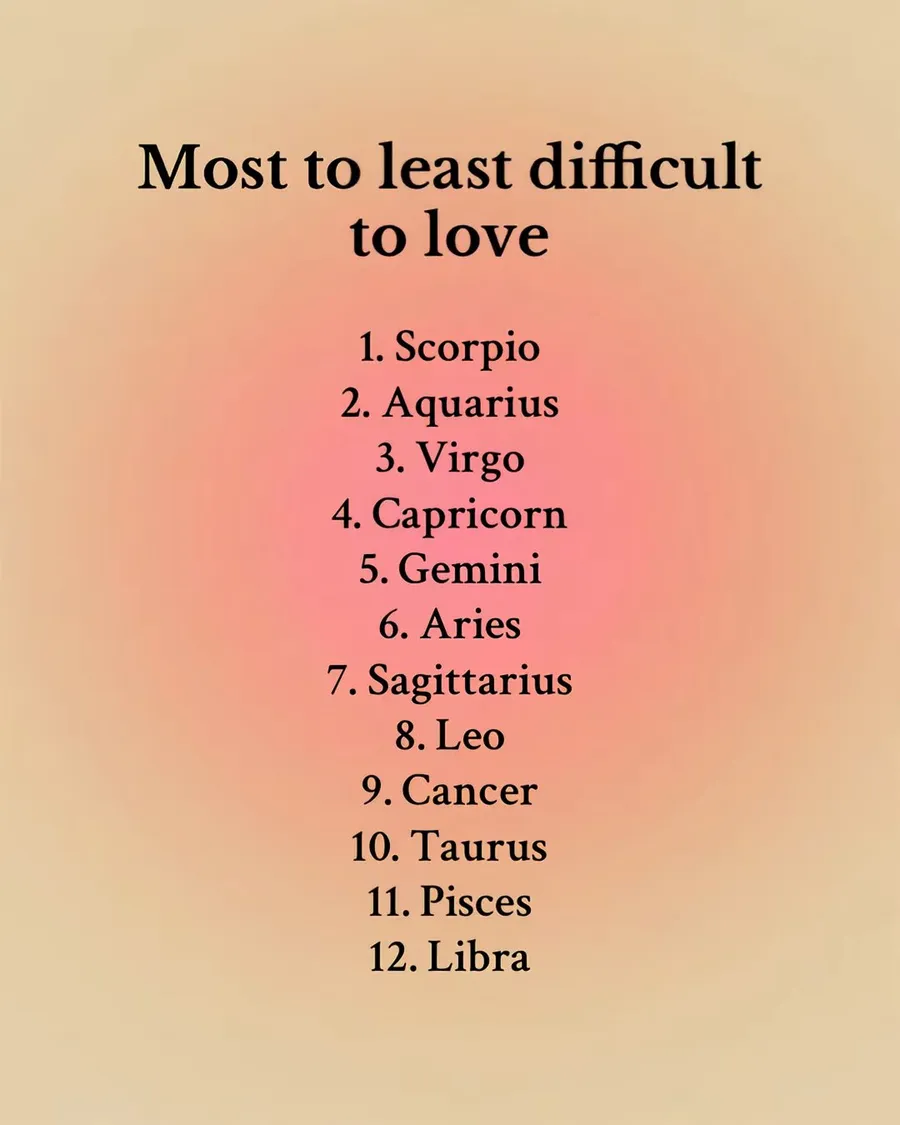
Most to least difficult to love
1.4M views · @astrologywithivy
Gym split ranking
1.3M views · @anabolic.baby_09
Ranking training splits
538.2K views · @itsvictorperez
Content instead of doomscrolling
400K views · @malikruns
10/10 destinations to visit
86.1K views · @trekaddiction




How to make it in ReelsFarm
- Select “Make a rating slideshow”. Slideshows opens with the Picks with ratings format picked and the slide count set.
- Choose a photo for each slide from your uploads, the photo search or the community collections. Use one photo per pick.
- Write the topic in one sentence. Pick a product if the post should feature one.
- Generate. ReelsFarm writes each slide in TikTok's text styles, following the format.
- Edit any slide, then export it or schedule it to TikTok and your other accounts.
Questions
- What scale should I use?
- Out of 10 is the most common. A joke score like 11/10 works once, for the favorite.
- Is a rating slideshow the same as a tier list?
- No. A tier list sorts things into S, A and B rows on one image. A rating slideshow gives each pick its own slide and score.
- Can I include my own product?
- Yes, as one of the picks. Give it a specific reason like the others, and it reads as a real recommendation.
More templates
- Help me choose templateA help me choose template for TikTok: numbered options on separate slides, and viewers vote for a number in the comments. The format turns choices into comments.
- Numbered list templateA numbered list slideshow template for TikTok: a hook with a number, one item per slide, and your product as the last item. Based on what top list slideshows do.
- TikTok slideshow templateA TikTok photo slideshow template with TikTok's own fonts and text boxes. See the sizes, slide count and text styles that top slideshows use, then make yours.