
TikTok Slideshow Templates
Layouts and formats for TikTok photo slideshows, each with examples and the steps to make it. Look and format templates open in ReelsFarm with that choice already picked.
Looks
How every slide is drawn: a photo with TikTok text, or a screenshot-style design.
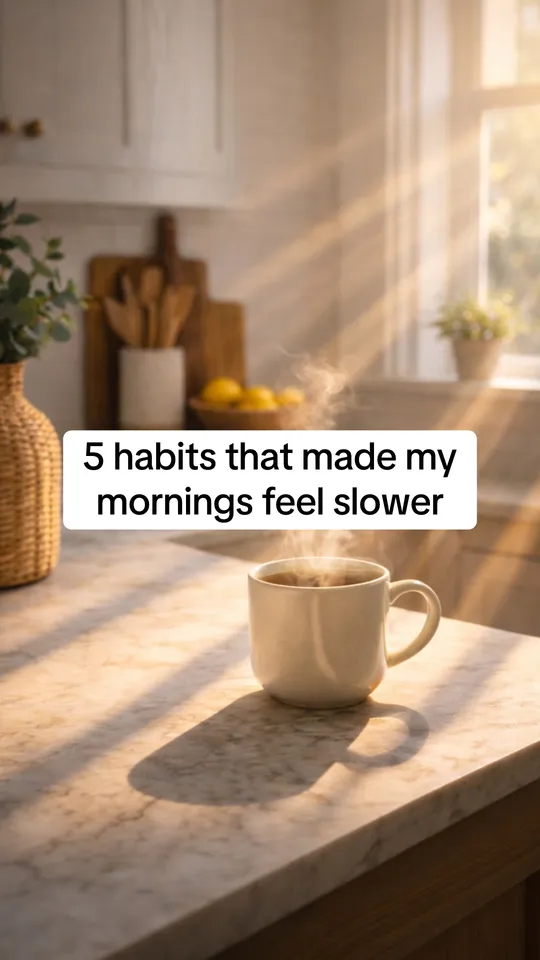 TikTok slideshow templateA TikTok photo slideshow template with TikTok's own fonts and text boxes. See the sizes, slide count and text styles that top slideshows use, then make yours.
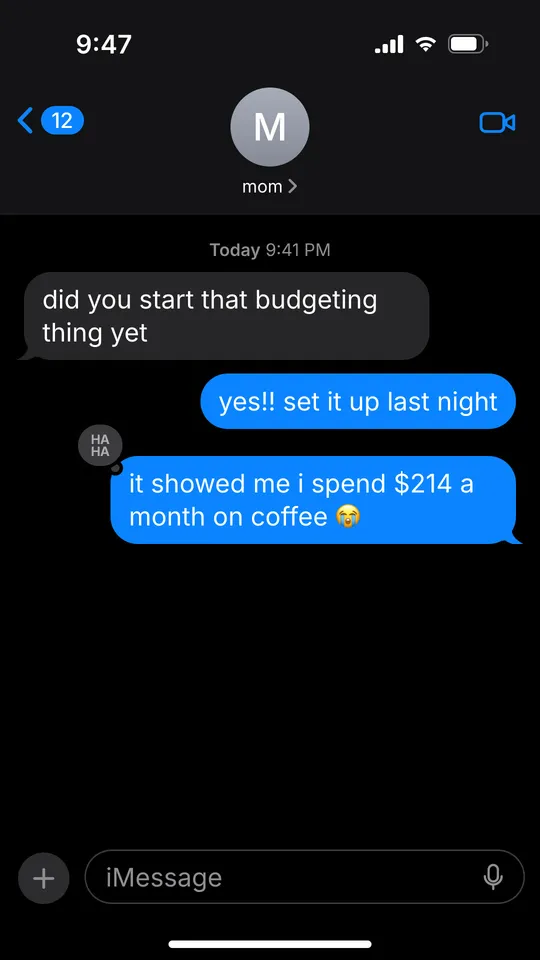 Text message templateAn iMessage-style text conversation template for TikTok slideshows. The chat grows one message per slide, with tapbacks, read receipts and dark or light mode.
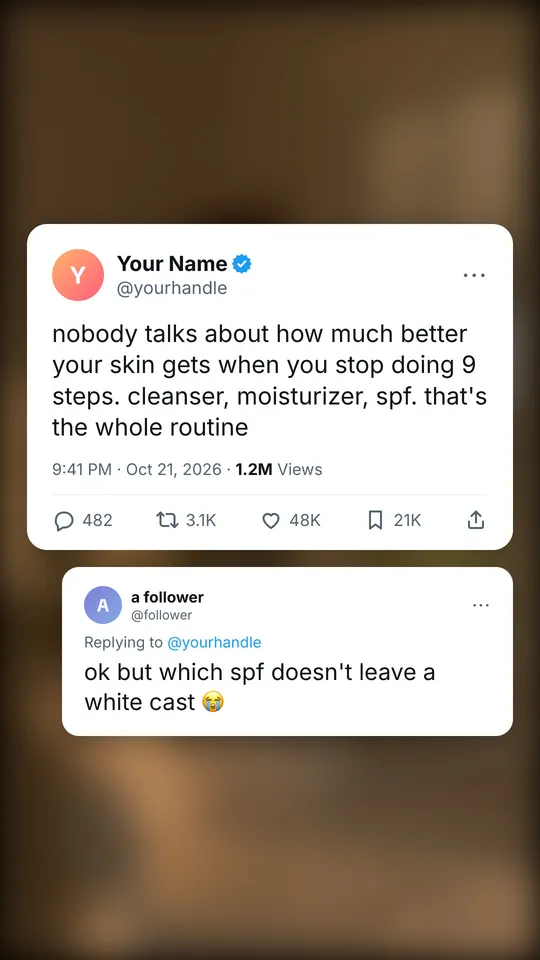 Tweet templateA tweet-style slide template: a post on X over your blurred photo, with a name, handle, counts and a reply. Made for hot takes and one-line advice on TikTok.
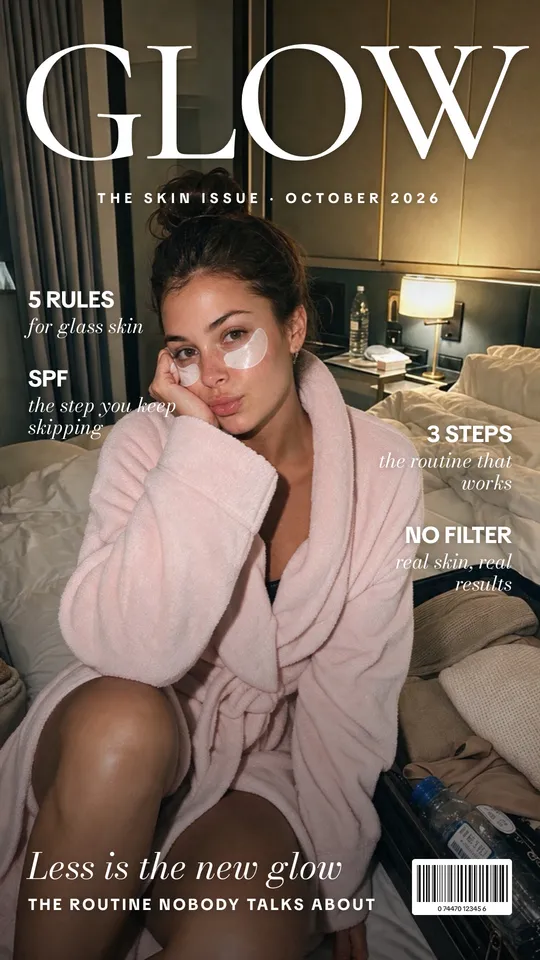 Magazine cover templateA magazine cover template for TikTok slideshows: your photo under a masthead, cover lines and a headline, followed by photo slides. Free examples inside.
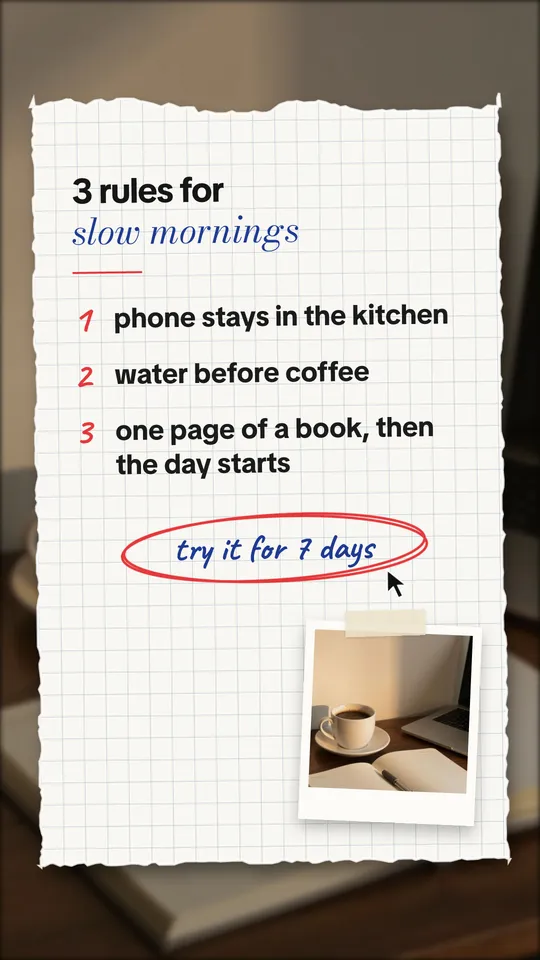 Notebook templateA notebook slide template for TikTok: torn grid paper with a title, numbered points, a circled note and your photo taped on. Made for tips, rules and routines.
Formats
How the slideshow runs from the first slide to the last, for any topic.
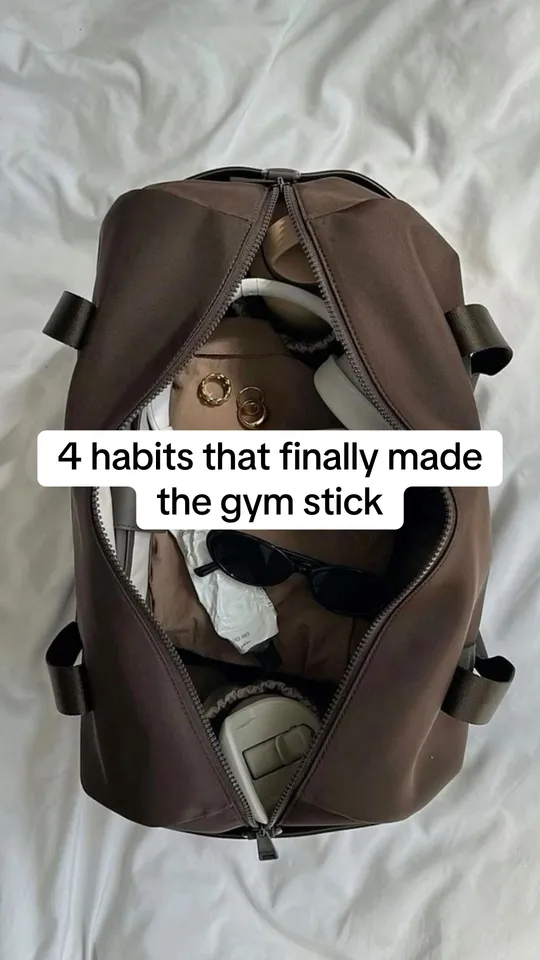 Numbered list templateA numbered list slideshow template for TikTok: a hook with a number, one item per slide, and your product as the last item. Based on what top list slideshows do.
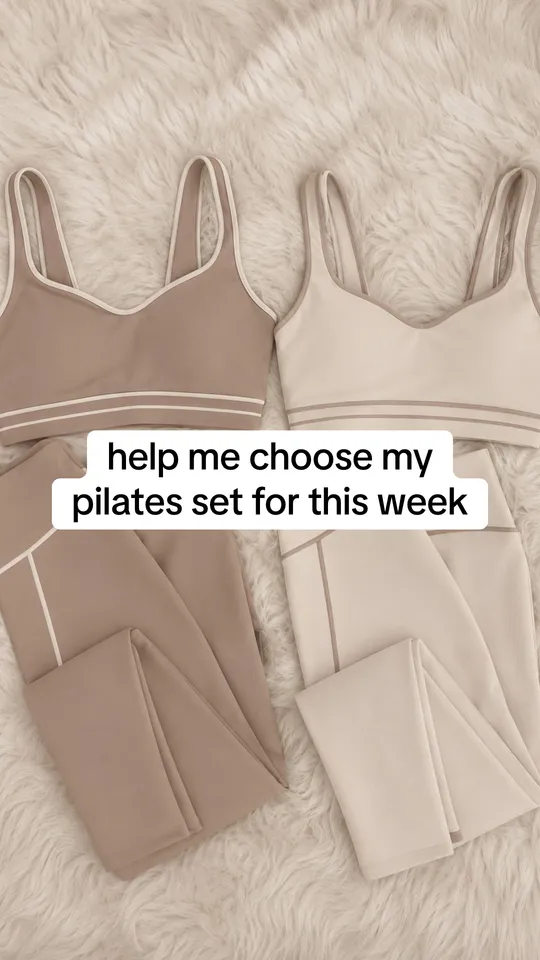 Help me choose templateA help me choose template for TikTok: numbered options on separate slides, and viewers vote for a number in the comments. The format turns choices into comments.
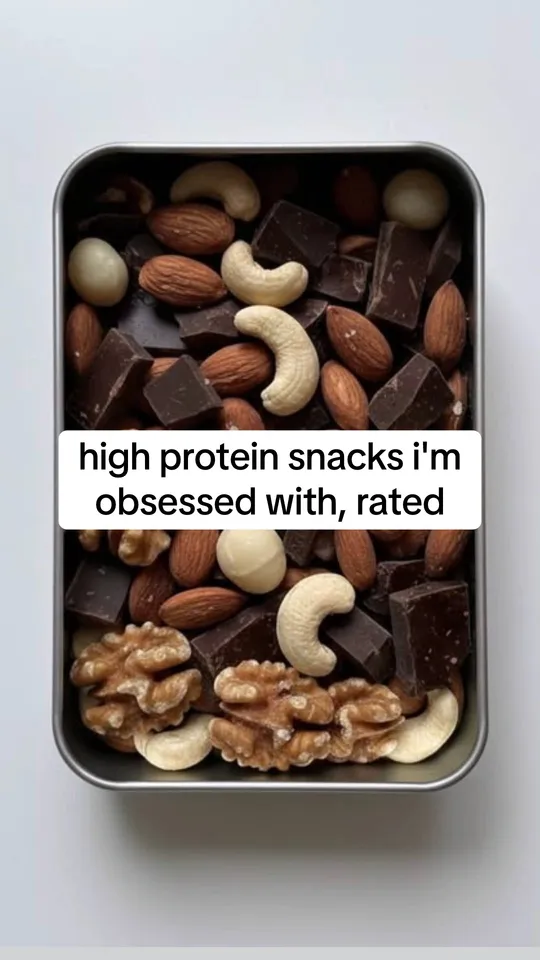 Rating templateA rated picks template for TikTok slideshows: personal favorites with an honest score like 8/10 on each slide, and a question that gets viewers to share theirs.
 Problem and solution templateA problem-solution slideshow template: name one problem with a number, do the math on what it costs, then give the steps to fix it, with your product as the tool.
Text and layout
TikTok's fonts and text styles, and where its buttons and caption cover a slide.
- TikTok fontsEvery font in TikTok's text editor, in the order the app lists them, with a free font that matches each one. Type your text and preview it in all 24.
- TikTok safe zoneCheck what TikTok's buttons and caption cover on your slide. Drop in an image, see the safe zone from TikTok's own template and download a free PNG.