
Notebook Slideshow Template: Handwritten Notes on Grid Paper
Torn grid paper with a title, numbered points and a hand-circled note, with your photo taped on. It makes a list of tips look like your own notes.
Examples
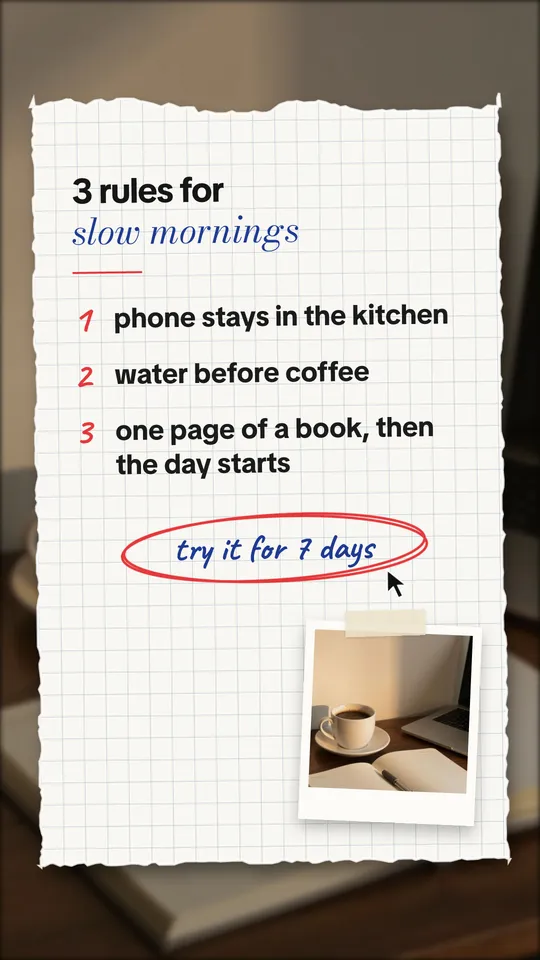
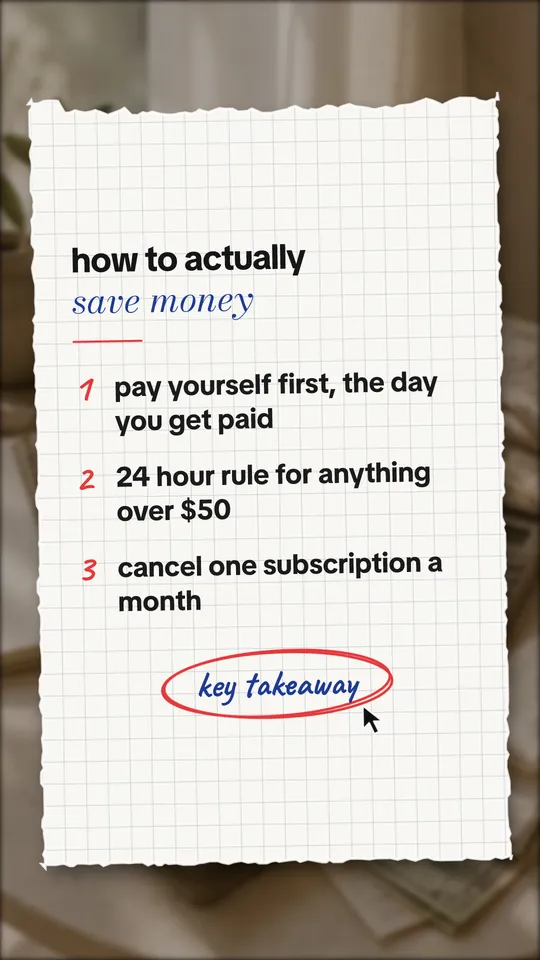
Example slides made with ReelsFarm. The photos come from the app's photo search.
When to use the notebook look
- Rules and routines: "3 rules for slow mornings".
- Study and money tips, where a written list feels personal.
- Summaries people save for later.
What the template includes
- A torn sheet of grid paper over your dimmed photo.
- A title with an italic accent line under it.
- Numbered points in bold, with hand-drawn numbers.
- A short note circled by hand, and your photo taped on when there is room.
Tips
- Three or four points per slide is the most that stays readable.
- Use the circled note for the takeaway or the call to action.
- Pick calm photos, like a desk, a coffee or a planner.
Real slideshows in this format
We found 199 slideshows like this from 98 creators in our library of public TikTok slideshows. Their median was 3,600 views. These are the most viewed. Views as recorded on October 5, 2026.
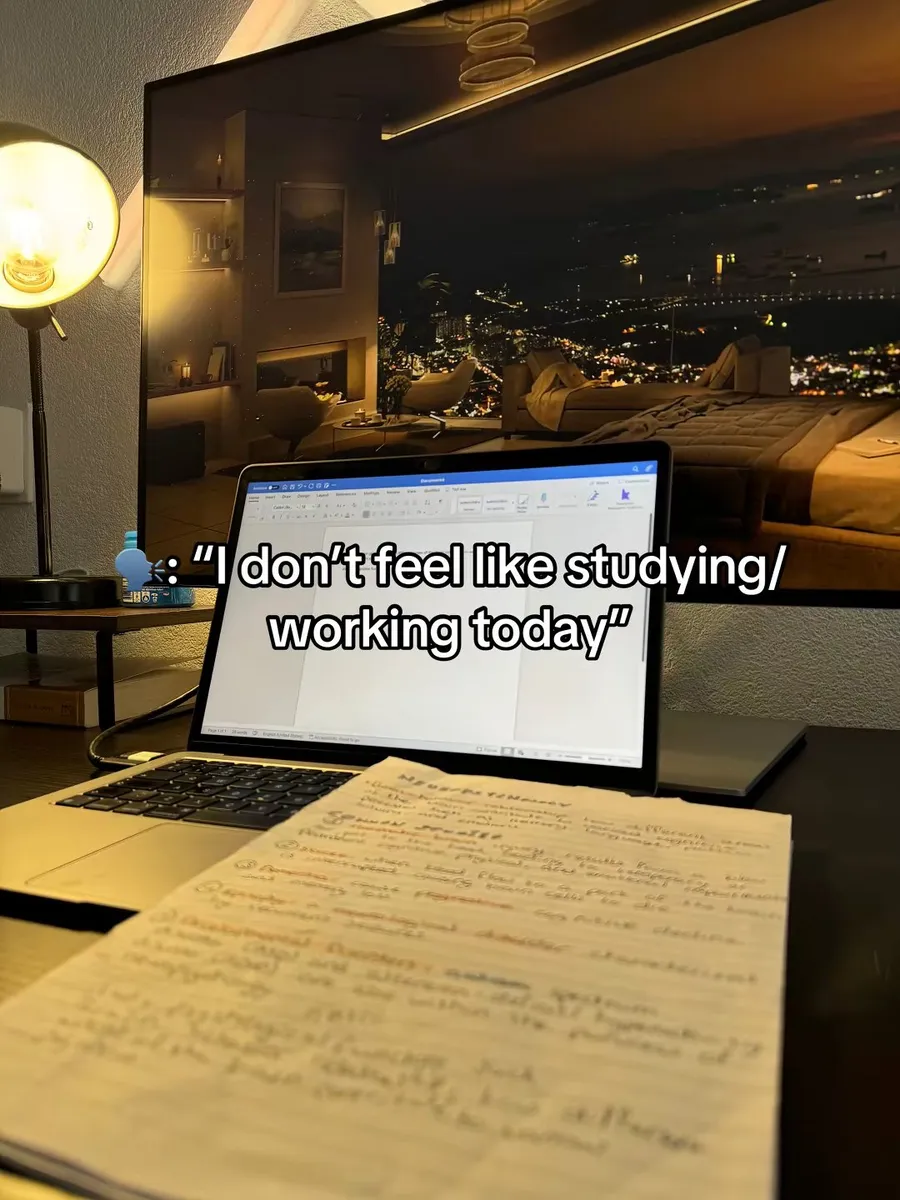
"I don't feel like studying/working today"
22.3M views · @studyw.tok
Lined Paper
16.8M views · @myquotediary_
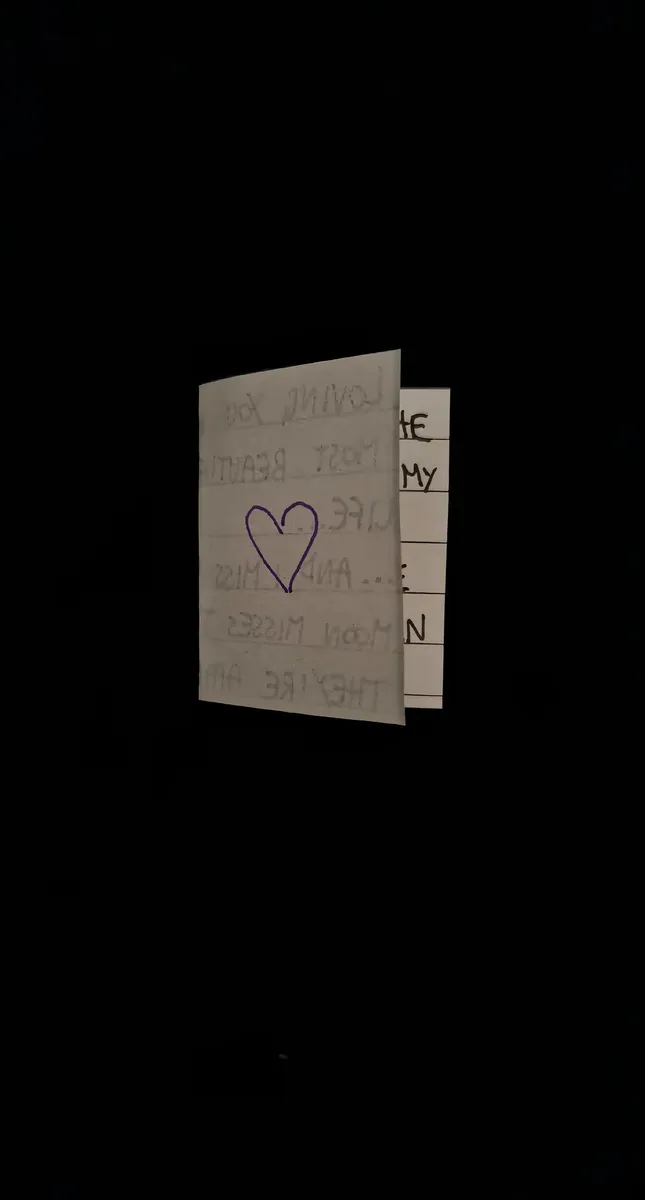
Handwritten note
7.9M views · @j_phrases
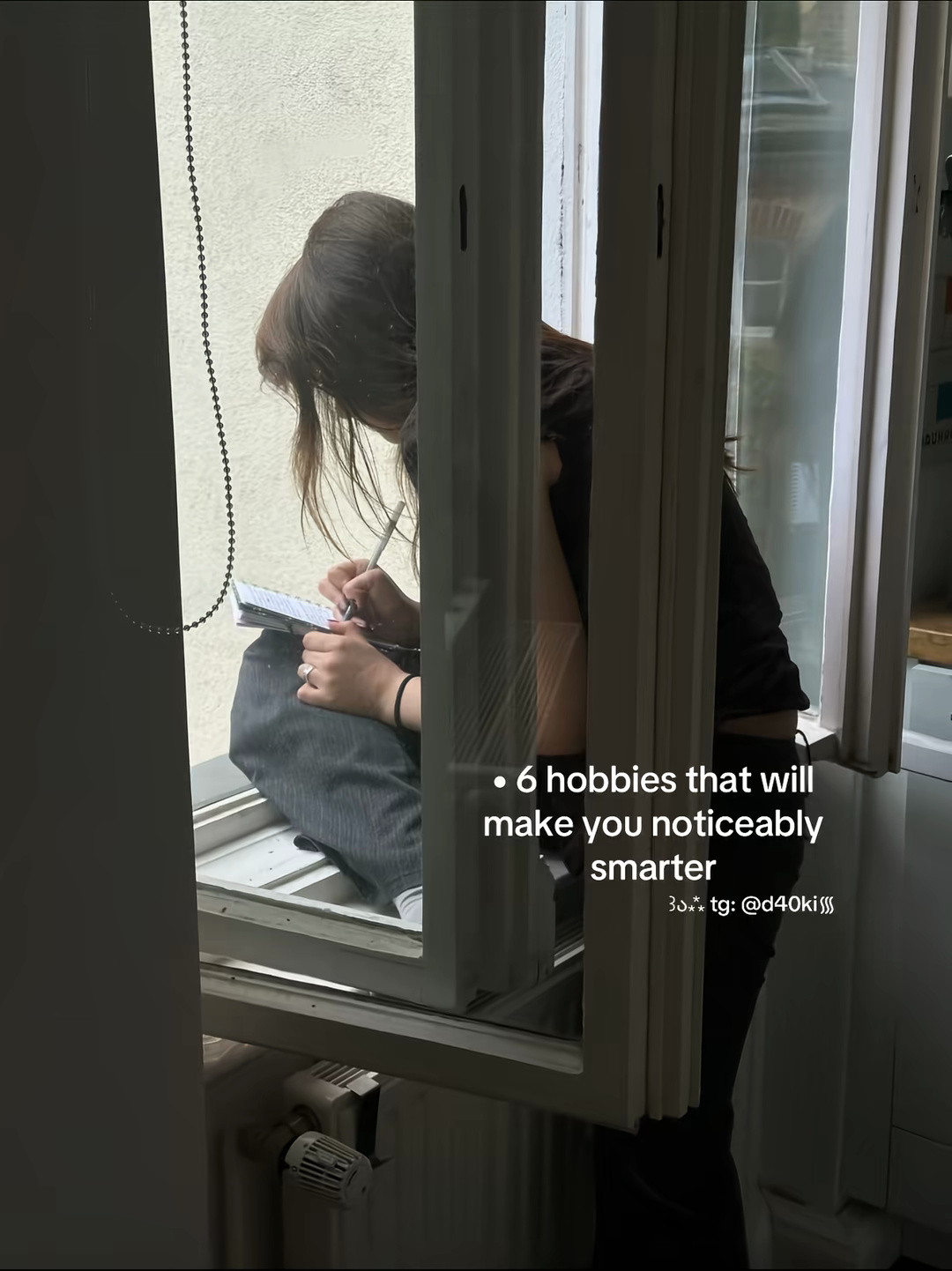
6 Hobbies to Increase Intelligence
7M views · @d40ki
Blank lined paper
4.2M views · @poemwrld
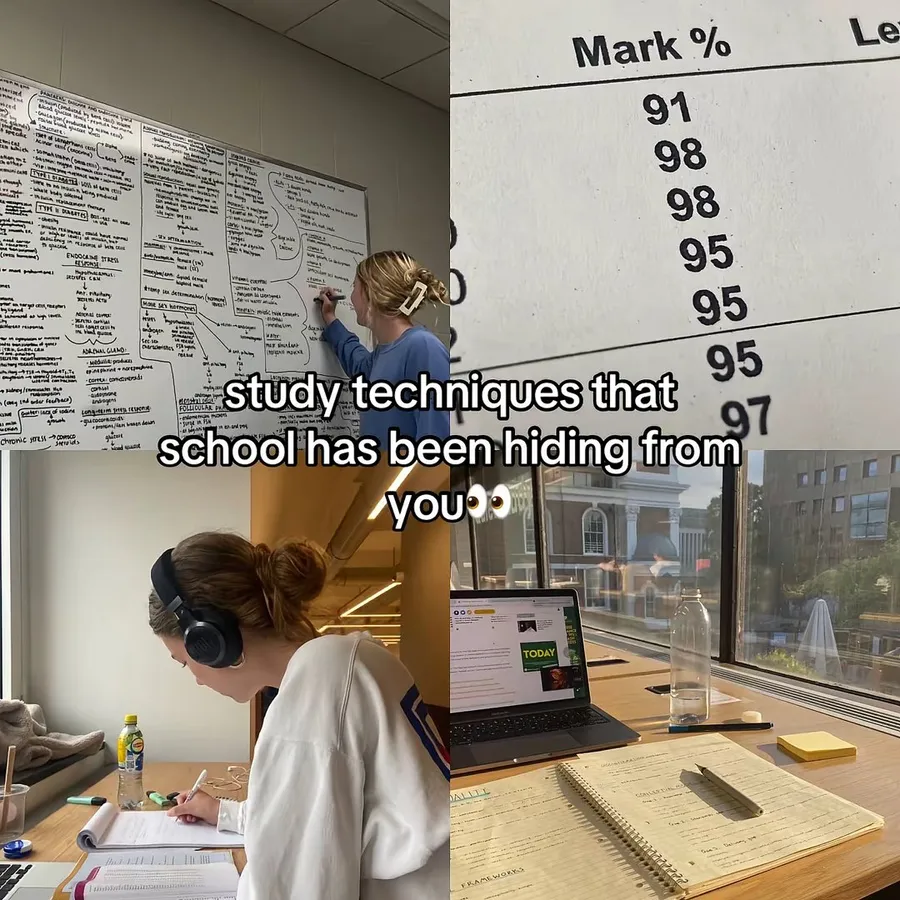
Hidden Study Techniques
3.2M views · @jxhn.up
How to make it in ReelsFarm
- Select “Make a notebook slideshow”. Slideshows opens with the Notebook look picked.
- Choose a photo for each slide. It shows dimmed behind the paper and taped on when there is room.
- Write what the post is about in one or two sentences, and pick a product if the post is for one.
- Generate. ReelsFarm writes every slide and draws it the way the export will look.
- Edit any word on a slide, then export the slides or schedule them to TikTok, Instagram and your other accounts.
Questions
- How many points fit on one slide?
- Up to four short points stay readable. Longer lists work better across several slides.
- Which fonts does the notebook use?
- The points are in TikTok Sans Bold. The numbers and the circled note use Caveat, and the accent line uses Bodoni Moda Italic. All three are free fonts under the Open Font License.
- Can I edit the points?
- Yes. Open a slide after it generates to change the title, accent line, points and note.
More templates
- Numbered list templateA numbered list slideshow template for TikTok: a hook with a number, one item per slide, and your product as the last item. Based on what top list slideshows do.
- Magazine cover templateA magazine cover template for TikTok slideshows: your photo under a masthead, cover lines and a headline, followed by photo slides. Free examples inside.
- Text message templateAn iMessage-style text conversation template for TikTok slideshows. The chat grows one message per slide, with tapbacks, read receipts and dark or light mode.