Post TikTok slideshows and UGC videos for your app every day

Reels Farm creates TikTok slideshows and AI UGC videos that show what your app does, then posts them across several accounts on a schedule. You can also recreate the formats that already work in your category.

What Reels Farm makes for your app

Every post is written from your own features, users and category, and each one leads viewers back to your app.

Slideshows in the formats apps grow with

Many app teams on TikTok open with a relatable problem and show the app as the fix, and Reels Farm writes in that format.

  • Problem-and-solution slideshows with app screenshots
  • Slideshows recreated from links in your category
  • Proven formats such as lists, POV and lessons learned
  • Several variations from one feature
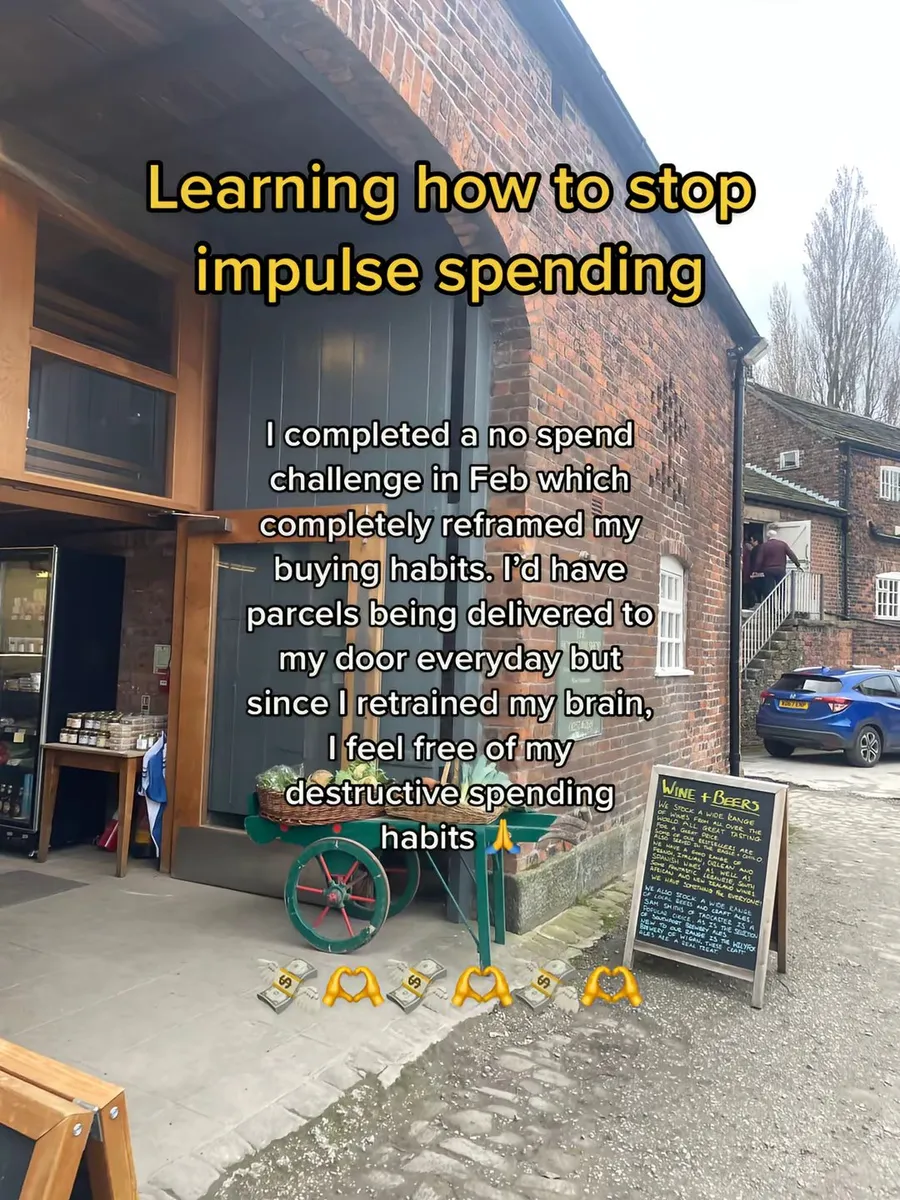
Recreate TikTok Slideshows

UGC-style videos without hiring creators

AI avatars react, talk and present your app in short vertical videos.

  • AI avatars that react to a hook and talk about your app
  • Hook clips combined with your screen recordings
  • Your own voice or a cloned voice for narration
  • Many versions of one script for testing
AI UGC Video

Posting across several accounts

Keep a daily rhythm on several TikTok accounts without logging in to each one.

  • Connect TikTok, Instagram and YouTube accounts
  • Automations that create and schedule slideshows every day
  • A review step before anything posts
  • Access for agents and your own tools through the MCP server
TikTok Slideshow Automation

Your budgeting app needs 30 posts this month

Here is how a slideshow from your category becomes your own post.

What happened

A slideshow about saving money is doing well on TikTok, and you want the same format for your budgeting app.

What you type into Reels Farm

Recreate this slideshow for our budgeting app: [TikTok link]. Keep the format, make it about saving on groceries, and end with our app.

You make three versions with different hooks, check them, and schedule them across your accounts for the week.

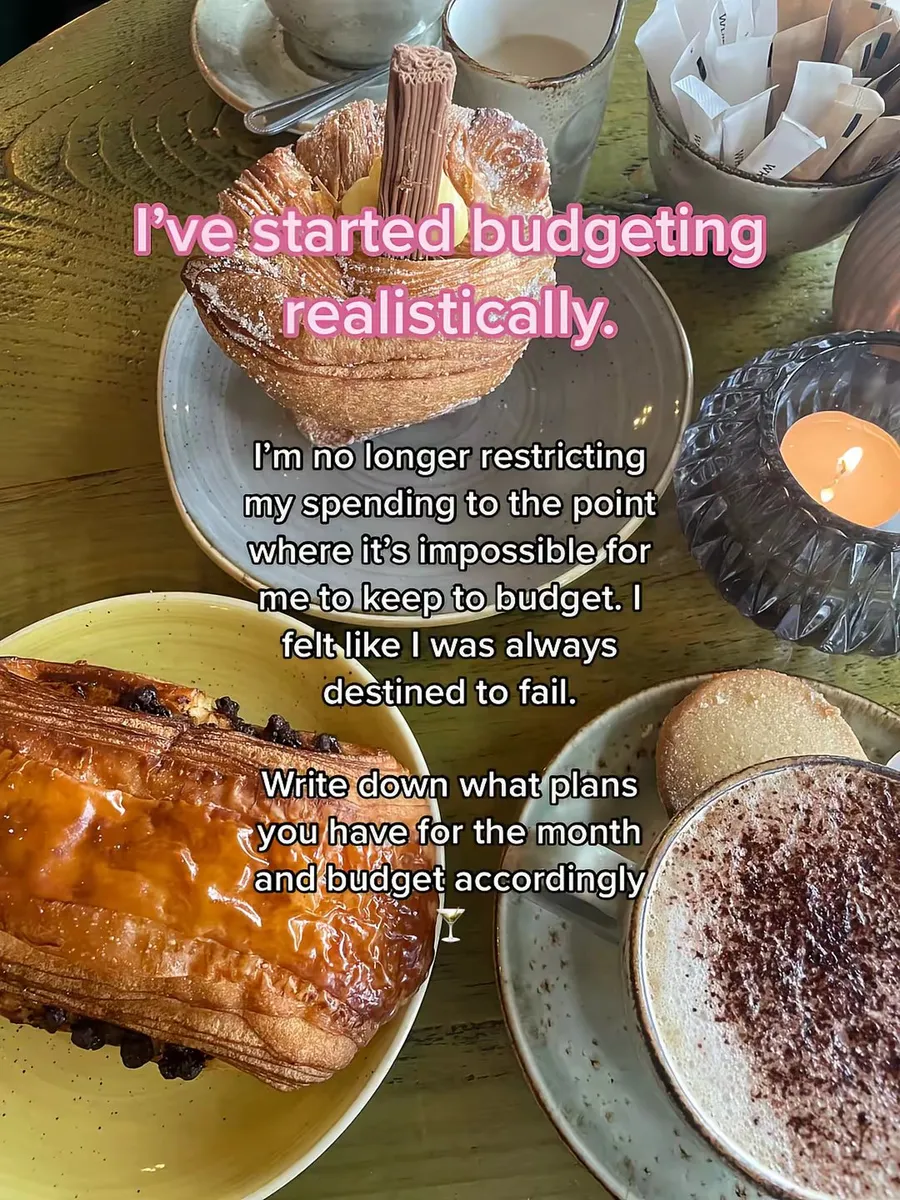
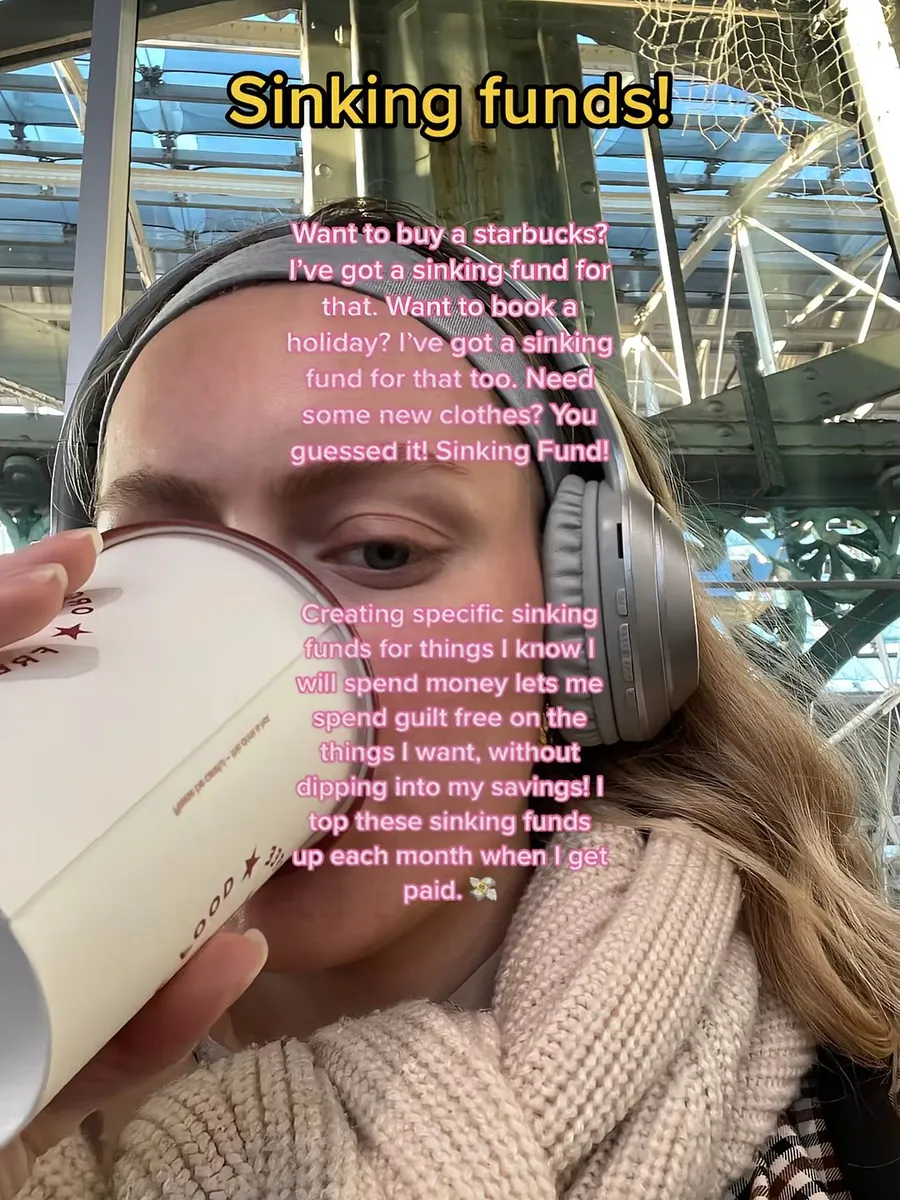
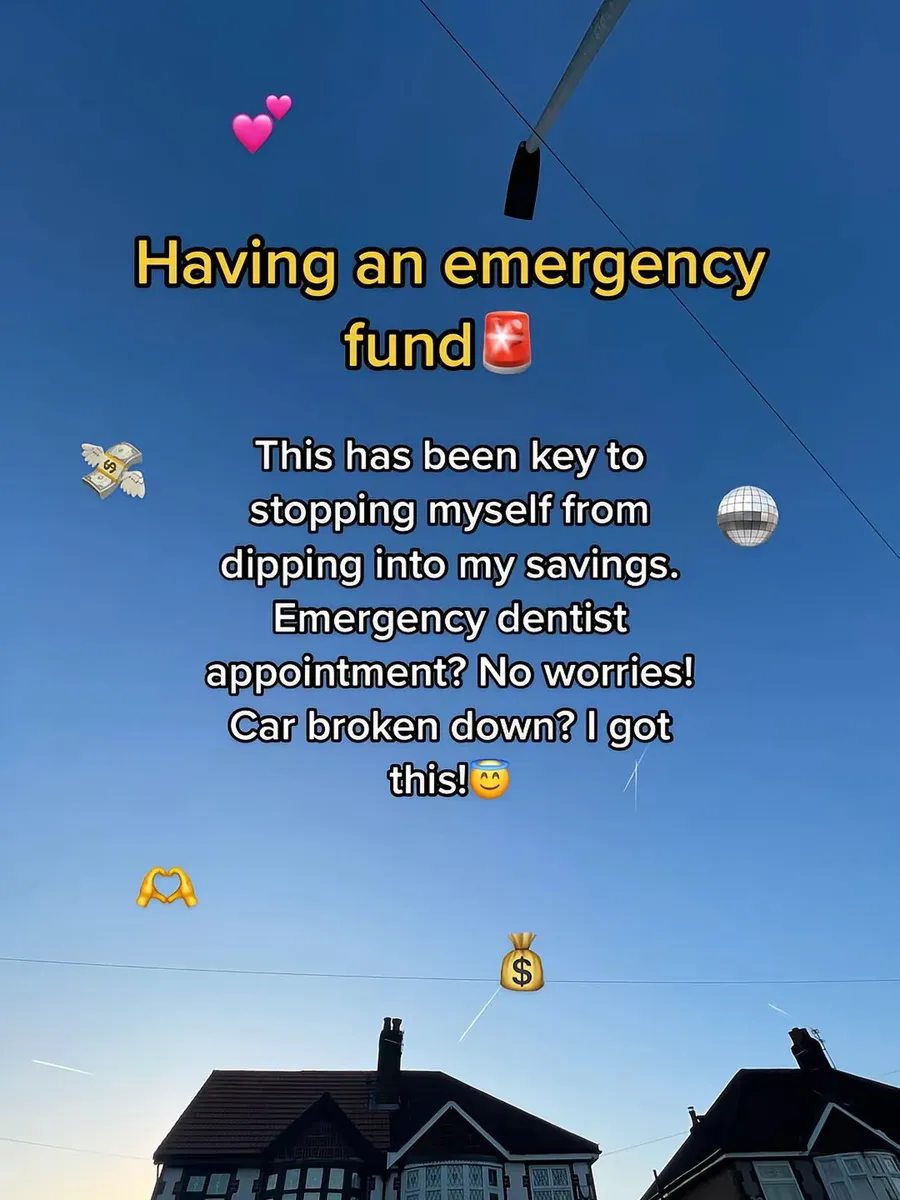
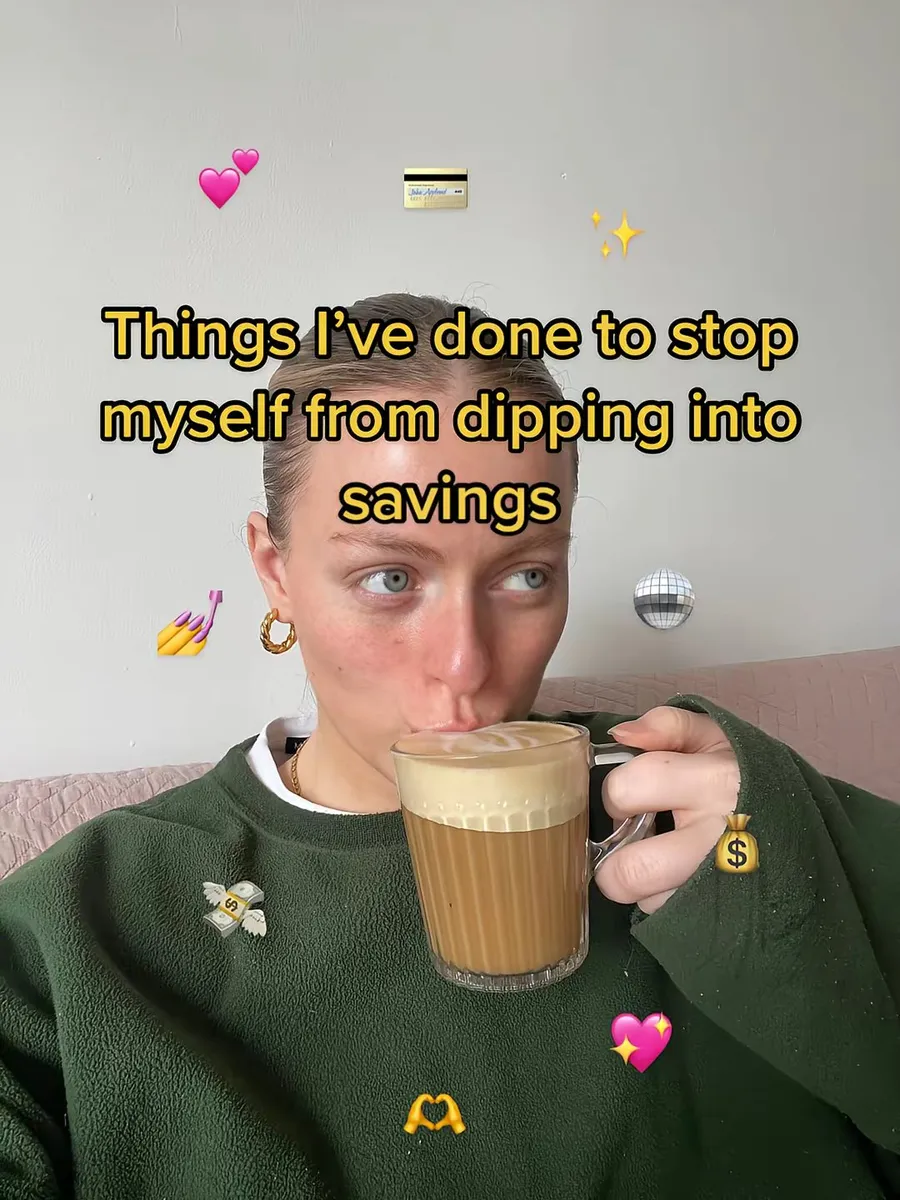
A real TikTok slideshow in this style

  1. Things I've done to stop myself from dipping into savings (Slide 1 of 5)
  2. Things I've done to stop myself from dipping into savings (Slide 2 of 5)
  3. Things I've done to stop myself from dipping into savings (Slide 3 of 5)
  4. Things I've done to stop myself from dipping into savings (Slide 4 of 5)
  5. Things I've done to stop myself from dipping into savings (Slide 5 of 5)
@financielle · TikTok

Caption

Small changes added up to real savings, and the app I use to track them is in my bio.

A posting plan your app team can keep

Apps grow on TikTok through steady volume and constant testing, and this plan keeps both going.

Every day
Post 1 to 3 slideshows per account from your proven formats.
Every week
Test 2 new hooks on the same feature.
Feature launch
Publish a slideshow about what's new in the app and a demo video.
Every month
Recreate the best slideshows in your category for your app.
Reviews
Turn real app store reviews into quote slides.
Seasons
Use new year, back-to-school and summer angles for your main feature.

Slideshow hooks that work for apps

Start with one of these hooks, and Reels Farm writes the rest of the slides for your app.

  • Things I stopped doing after I downloaded this app
  • POV: you finally found an app that does this
  • Apps I can't live without as a student
  • What changed after I tried this for 30 days
  • Why I deleted my old app and switched
  • Small habits that changed my mornings
  • The app nobody told me about
  • Rating apps for this honestly

How it works

  1. 1

    Add your app

    Add your app's name, features and screenshots so that every post shows the real product.

  2. 2

    Recreate or describe

    Paste a TikTok slideshow that works in your category or describe the post, and Reels Farm writes it for your app.

  3. 3

    Automate and schedule

    Set up daily automations for each account, review the queue and let the posts go out on time.

Add your app's details and screenshots once. Automations then create and schedule slideshows every day, and you review them in one queue.

Frequently asked questions

Can I run several TikTok accounts?

You can connect several accounts and schedule different posts to each of them. The number of accounts depends on your plan.

Will the slideshows look like ads?

They follow organic TikTok formats and use native TikTok text styles, and the hook and the problem come before the app, so they read like regular posts.

Can I recreate slideshows from other apps?

You can recreate the structure, the pacing and the style, and Reels Farm rewrites the text and finds new photos for your app. Don't copy another brand's name, claims or images.

Can AI avatars talk about my app?

Avatars can react, present and talk about your app. Label AI content where the platform asks for it, and never present an avatar as a real customer review.

Can my agent or my own tools use Reels Farm?

The MCP server and the agent SDK let you create, recreate and schedule slideshows from your own workflow.

Other industries

Plan next month's posts this week

Add your business once, and Reels Farm writes the slides, makes the videos and keeps your posting calendar full.