
6
01Show how automation can help users secure their digital life and protect personal data quickly.
“Using ChatGPT to save time”Make this slideshow

Mobile security app · apptheftlock.com
This app helps users locate, block, and recover lost or stolen Android devices. It provides tools like remote locking, photo capture, and data wiping.
Source: https://apptheftlock.com/
Each idea comes with the original example to explore.
“Using ChatGPT to save time”Make this slideshow
“How to train ChatGPT to think with you”Make this slideshow
“Photo Editing Tutorial”Make this slideshow
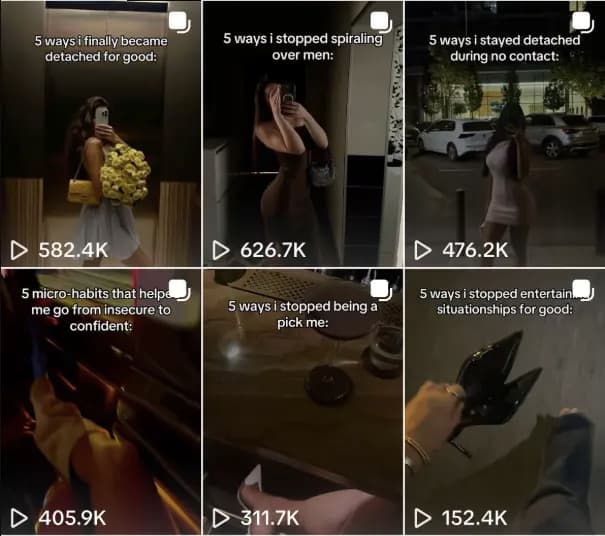
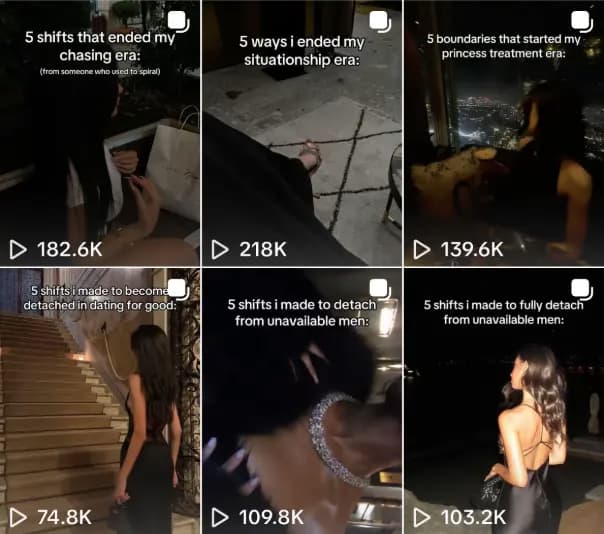
“Top 5 ways to change yourself”Make this slideshow
“How to girlfriend if you have anxious attachment”Make this slideshow
“how to stop feeling lonely when you're alone”Make this slideshow
“5 gym tips that would've saved me MONTHS of wasted time.”Make this slideshow
“Getting skinny again for 2026”Make this slideshow
“DISPOSABLE and POLAROID”Make this slideshow
“Elite ball knowledge for becoming unrecognizable in 3 months”Make this slideshow
“5 best ways to make quick progress in the gym”Make this slideshow
“"I don't feel like going to the gym today..."”Make this slideshow
“Ways to change yourself”Make this slideshow
“Leg Day Question”Make this slideshow
“How to heal your inflamed gut”Make this slideshow
“My top 5 gym tips”Make this slideshow
“Why do you feel exhausted even when you're working on yourself?”Make this slideshow
“Weight Loss Tips”Make this slideshow
“Deinfluencing gym girls”Make this slideshow
“6 photo ideas for cute couples”Make this slideshow
“Gym tips I wish I'd knew as a beginner”Make this slideshow
“You want this?”Make this slideshow
“Mirror Selfie”Make this slideshow
“Weight loss journey tips”Make this slideshow
“Elite Ball Knowledge”Make this slideshow
“Sleep Advice”Make this slideshow
“6 photo ideas for couples >> soft launch edition << Part 2”Make this slideshow
“Gym progress tips”Make this slideshow
“Top 5 ways to change yourself”Make this slideshow
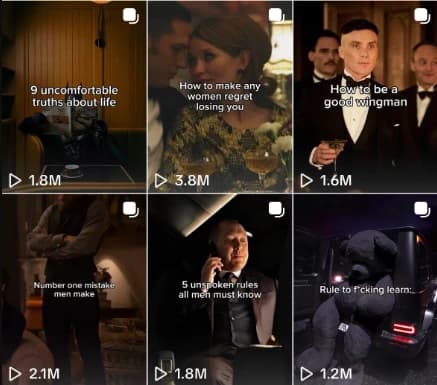
“habits of people who are genuinely well read”Make this slideshow
“How to become unrecognizable this year:”Make this slideshow
“Falling in love with yourself in 2026”Make this slideshow
“Glow Up Tips”Make this slideshow
“5 best ways to improve yourself this year”Make this slideshow
“Gym Progress Tips”Make this slideshow
“21 Days Of Gut Detox”Make this slideshow
“Habits for intelligence in 2026”Make this slideshow
“Tips to Get Bigger in the Gym”Make this slideshow
“gut healing routine”Make this slideshow
“Things I'm investing in (that no one sees but everyone feels)”Make this slideshow
“how to have beauty AND brains”Make this slideshow
“gut microbiome diet that will change your life in 21 days”Make this slideshow
“How to train ChatGPT to check your logic”Make this slideshow
“How to stop ChatGPT from always agreeing”Make this slideshow
“How to train ChatGPT to summarize scientific articles”Make this slideshow
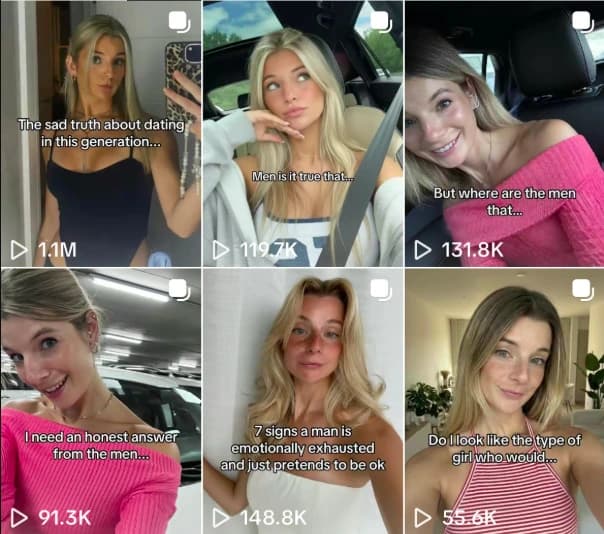
“10 green flags that make someone a great partner”Make this slideshow
“The healthiest relationship advice I've ever heard”Make this slideshow
“6 things you're doing wrong”Make this slideshow
“Elite Ball Knowledge (Beach Version)”Make this slideshow
“6 photo ideas for cool couples”Make this slideshow
Disclaimer: This report includes AI-generated content. AI can make mistakes, so verify important findings independently before taking action.
We use the public website context to connect related slideshow examples with ideas for THEFT-LOCK. The recommendation is the suggested direction for your post. The quoted title describes the original example.
Website: apptheftlock.com · Generated
Android device users
Start with a recommendation that fits a question your customers already ask. Open its slideshow to see how the example introduces the topic and carries it across the photos.
Use your own photos, product details, and experience. Turn the recommendation into a clear first slide, then use the following slides to explain one useful point at a time.
Build your slideshow, check that the text is easy to read, and choose when to post. Save a few different ideas so you can test which topics your audience responds to.
Plan the words with the slideshow outline generator, or set up TikTok slideshow automation for a regular posting schedule. To find slideshows that beat a creator's usual views, and ideas for any site you visit, add the free ReelsFarm Chrome extension.
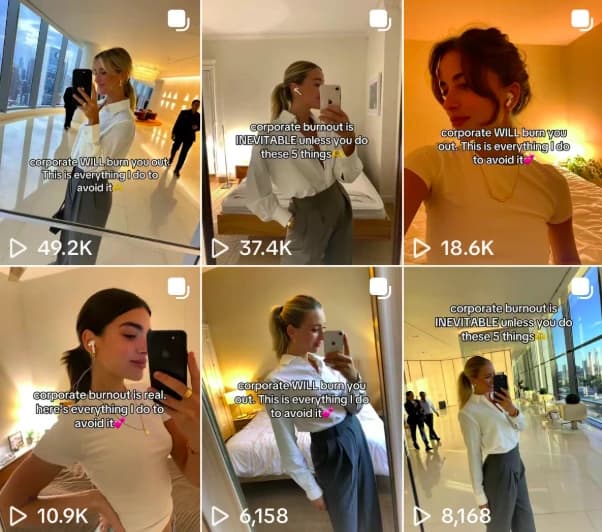
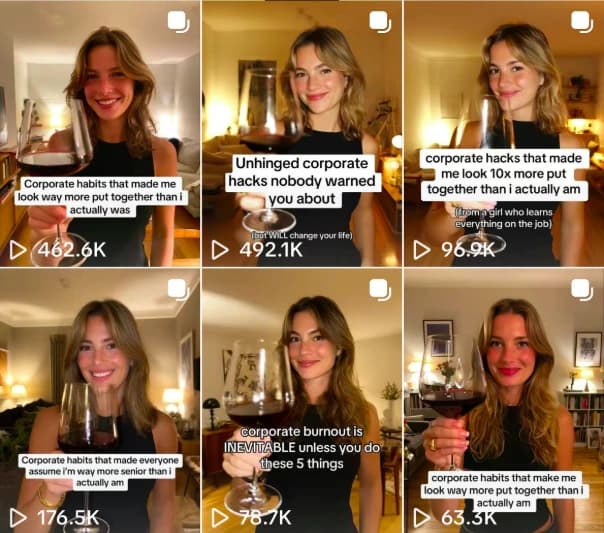
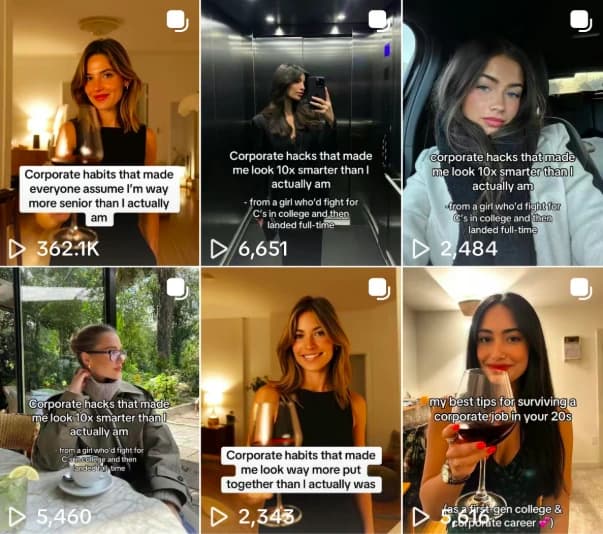
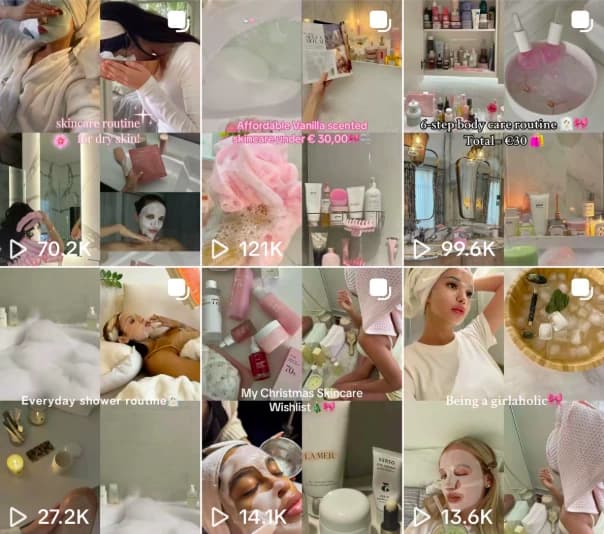
A TikTok slideshow is a photo post that viewers swipe through. Images and short text carry the story from the first slide to the last. It can explain a product, answer a question, share a list, or tell a story.
We read your public website to understand what you offer and who it serves. We then select related examples from the slideshow library and write a short idea that connects each example to your business.
These are content ideas with original examples to explore. Choose an angle, add your own photos and facts, and write the slideshow for your audience. You can then create and schedule the post in the app.
Every day you wait, someone in your niche is collecting the views your brand should already own.
Create standout posts, line up your calendar, and publish consistently without juggling a dozen tools.