
6
01Show how AI tools can help users optimize their smartphone settings for better battery life or performance.
“Using ChatGPT to save time”Make this slideshow

Used smartphone retailer · phoneliva.com
This site offers a catalogue of used Android phones from brands like Xiaomi, POCO, and OnePlus. It provides device inspection details, buying guides, and trade-in services.
Source: https://phoneliva.com/
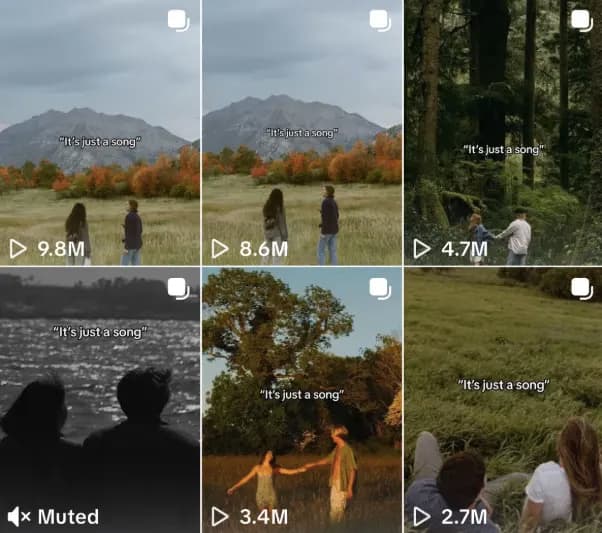
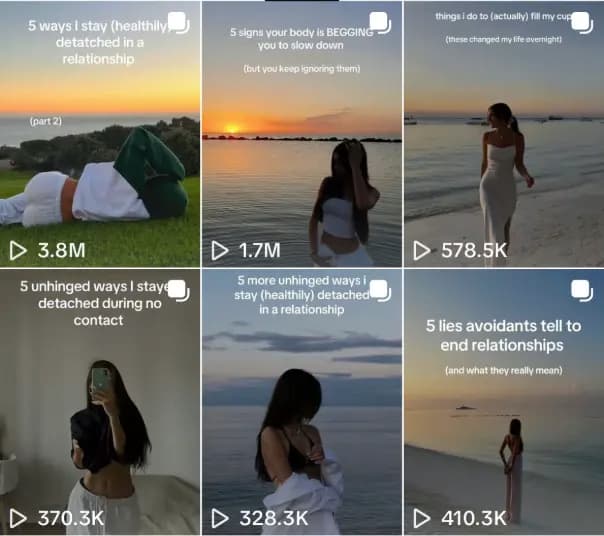
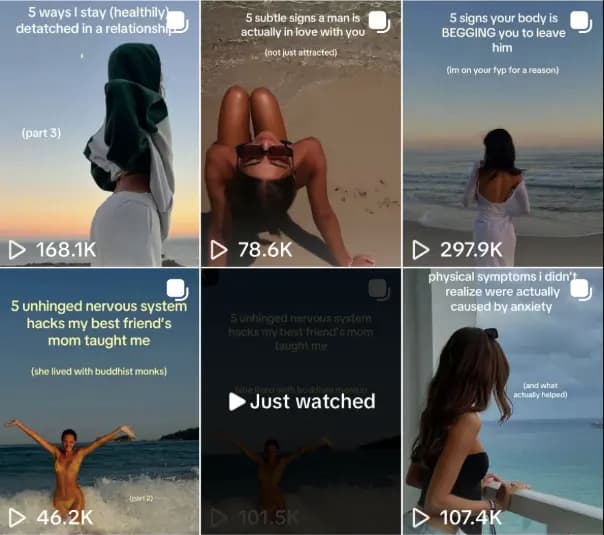
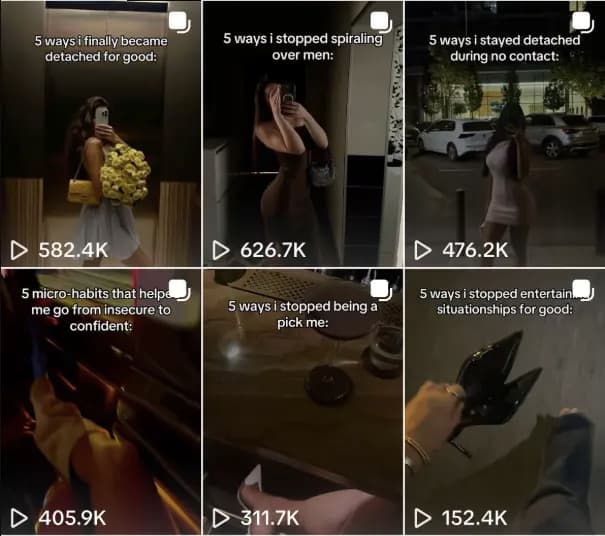
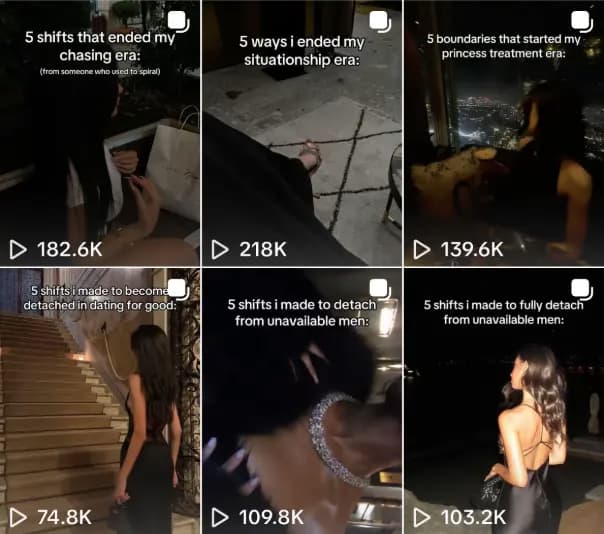
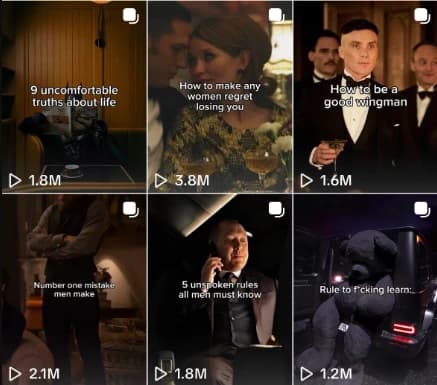
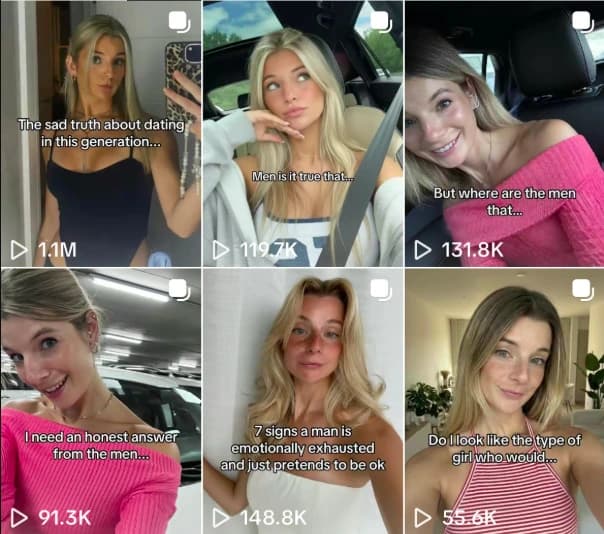
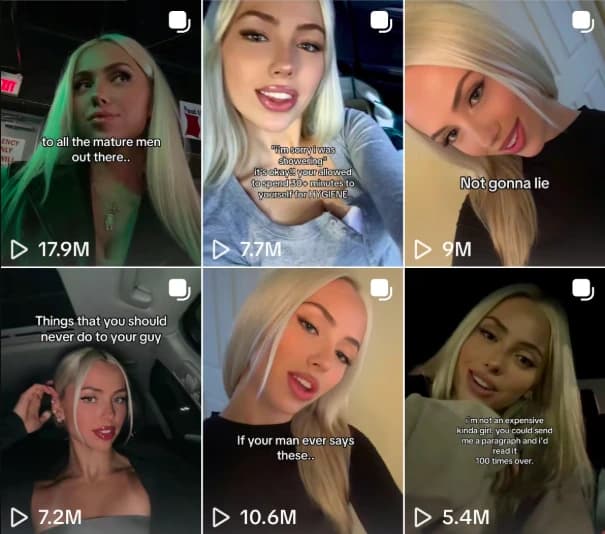
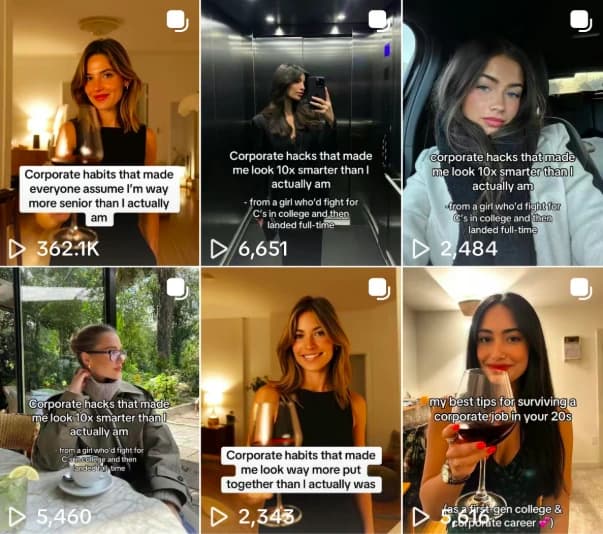
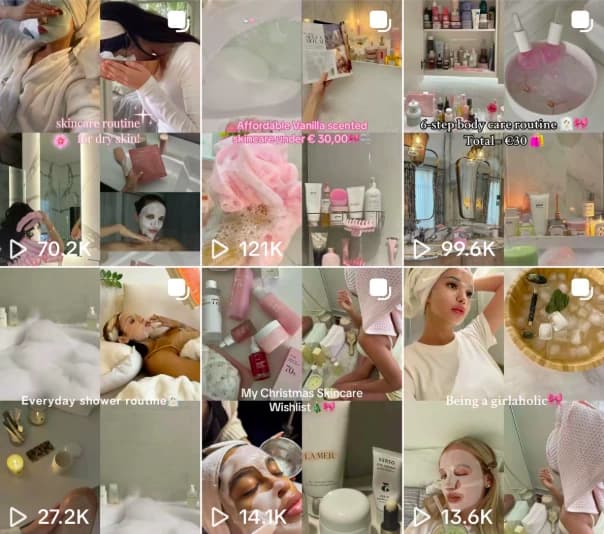
Each idea comes with the original example to explore.
“Using ChatGPT to save time”Make this slideshow
“5 ChatGPT prompts to upgrade your mind”Make this slideshow
“5 FLIRTY replies to 'How are you?'”Make this slideshow
“3 Texts That Make Him Regret Pulling Away”Make this slideshow
“You're Not Stuck: You're Unstructured”Make this slideshow
“Dark psychology facts”Make this slideshow
“How to not feel embarrassed & fear rejection”Make this slideshow
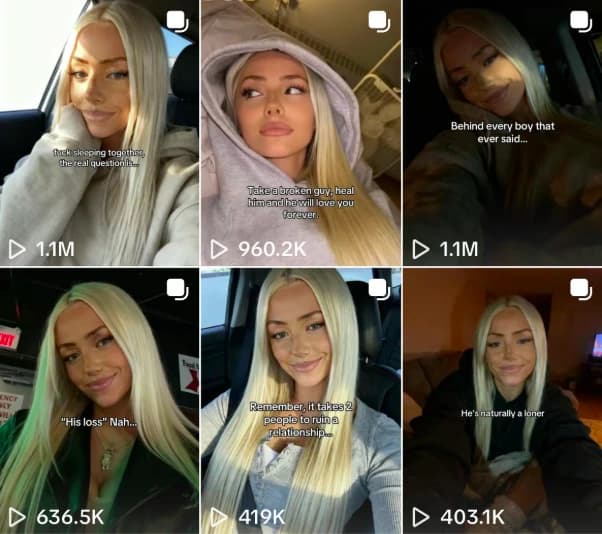
“Deinfluencing you from tiktok advice that could be ruining your relationship”Make this slideshow
“my last message for you..”Make this slideshow
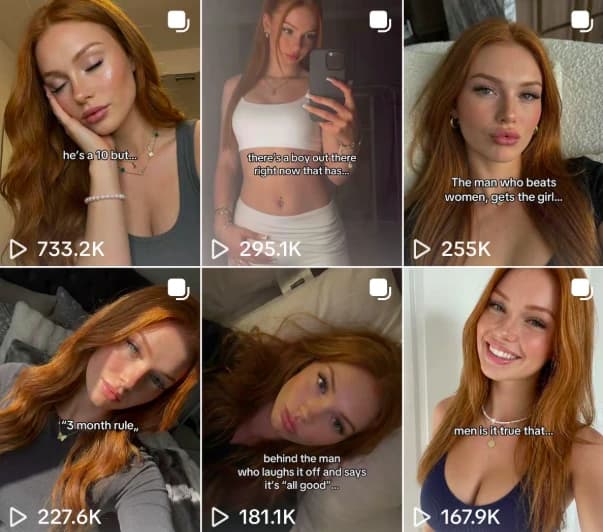
“Relationship Advice”Make this slideshow
“How I Made Him Regret Leaving Me”Make this slideshow
“The kind of love I hope finds me”Make this slideshow
“High-Value Rules Every Girl Should Know”Make this slideshow
“How I almost lost my partner”Make this slideshow
“signs your gut health is totally f*K3d”Make this slideshow
“The Psychology of High Standards”Make this slideshow
“Red flags vs. green flags”Make this slideshow
“5 Types of Men You Must Avoid As A High-Value Woman”Make this slideshow
“Physical touch preference”Make this slideshow
“Signs Of Mutual Love”Make this slideshow
“You don't feel the need to be careful with your words.”Make this slideshow
“Relationship Preferences”Make this slideshow
“Hip Thrust Form Tips”Make this slideshow
“Dark Flirty Feminine Lines”Make this slideshow
“Stop asking 'wyd'”Make this slideshow
“How to stop being in the survival mode”Make this slideshow
“Slow Burn Relationships”Make this slideshow
“Men Like This: The Half-Built Man”Make this slideshow
“5 types of reassurance in a relationship”Make this slideshow
“Bare minimum vs Effort”Make this slideshow
“Brands currently hiring for marketing”Make this slideshow
“Ways to refresh your life”Make this slideshow
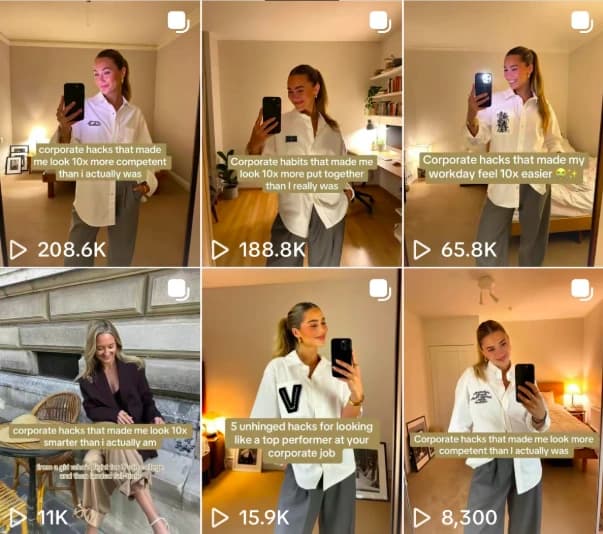
“skills no one tells you you'll need in creative marketing”Make this slideshow
“How to Become a High Value Woman”Make this slideshow
“Favorite Amazon bikinis”Make this slideshow
“Lat pulldown grips”Make this slideshow
“how to glow up when you're not feeling your best self”Make this slideshow
“How to heal your feminine energy”Make this slideshow
“How to become a high value woman”Make this slideshow
“Signs of poor gut health”Make this slideshow
“Make a move”Make this slideshow
“Gym Progress in 2026”Make this slideshow
“Bro to bro: Why Being Too Available Is Killing Her Attraction”Make this slideshow
“3 Things I Did Wrong When I Launched My First Brand”Make this slideshow
“Relationship Advice (Non-Toxic Version)”Make this slideshow
“How to walk into a room and own it”Make this slideshow
“First Month Nighttime Checklist”Make this slideshow
“So Your Ex Moved On Fast? What It Actually Means”Make this slideshow
“Women Don't Love You, They Use You: The Hard Truth Every Man Needs to Hear”Make this slideshow
“8 Tiny Habits That Keep Couples Close”Make this slideshow
Disclaimer: This report includes AI-generated content. AI can make mistakes, so verify important findings independently before taking action.
We use the public website context to connect related slideshow examples with ideas for PHONELIVA. The recommendation is the suggested direction for your post. The quoted title describes the original example.
Website: phoneliva.com · Generated
people looking for used Android smartphones
Start with a recommendation that fits a question your customers already ask. Open its slideshow to see how the example introduces the topic and carries it across the photos.
Use your own photos, product details, and experience. Turn the recommendation into a clear first slide, then use the following slides to explain one useful point at a time.
Build your slideshow, check that the text is easy to read, and choose when to post. Save a few different ideas so you can test which topics your audience responds to.
Plan the words with the slideshow outline generator, or set up TikTok slideshow automation for a regular posting schedule. To find slideshows that beat a creator's usual views, and ideas for any site you visit, add the free ReelsFarm Chrome extension.
A TikTok slideshow is a photo post that viewers swipe through. Images and short text carry the story from the first slide to the last. It can explain a product, answer a question, share a list, or tell a story.
We read your public website to understand what you offer and who it serves. We then select related examples from the slideshow library and write a short idea that connects each example to your business.
These are content ideas with original examples to explore. Choose an angle, add your own photos and facts, and write the slideshow for your audience. You can then create and schedule the post in the app.
Every day you wait, someone in your niche is collecting the views your brand should already own.


Create standout posts, line up your calendar, and publish consistently without juggling a dozen tools.